
Launching a new website or product? A well-designed coming soon page builds anticipation and captures leads. With WordPress, you can easily create a professional coming soon page using plugins, themes, or custom code—no advanced skills required.
So, you’re getting ready to launch a new website, product, or service—congratulations! But before the big reveal, there’s an important step many overlook: creating a compelling coming soon page. This simple yet powerful webpage does more than just say “we’re not ready yet.” It builds excitement, captures early interest, and sets the tone for your brand.
A coming soon page is your first impression. Think of it as the digital storefront before the grand opening. Whether you’re a blogger, entrepreneur, or small business owner, this page gives you a chance to control the narrative. Instead of showing a half-built site or error messages, you present a polished, professional preview that invites visitors to return when you’re live.
And the best part? With WordPress, creating a coming soon page is easier than ever. You don’t need to be a developer or designer. Whether you’re using a plugin, a theme, or a bit of custom code, WordPress offers flexible options to match your skill level and goals.
Key Takeaways
- Use dedicated plugins: Tools like SeedProd and Coming Soon Page & Maintenance Mode simplify the process with drag-and-drop builders.
- Choose a responsive design: Ensure your coming soon page looks great on mobile, tablet, and desktop devices.
- Collect emails early: Integrate with email marketing services like Mailchimp to grow your subscriber list before launch.
- Set up SEO basics: Add meta titles, descriptions, and prevent indexing to avoid duplicate content issues.
- Test before going live: Preview your page and check load speed to ensure a smooth user experience.
- Customize with your brand: Use your logo, brand colors, and tone of voice to maintain consistency.
- Enable maintenance mode wisely: Allow admin access while showing the coming soon page to visitors.
Quick Answers to Common Questions
Can I create a coming soon page without a plugin?
Yes, you can use a custom theme template or code snippet in your functions.php file to display a coming soon page without installing a plugin.
Will a coming soon page hurt my SEO?
No, as long as you use the noindex tag to prevent search engines from indexing the page. This avoids duplicate content issues when your full site launches.
How do I let admins see the site while showing visitors a coming soon page?
Most coming soon plugins allow you to exclude logged-in users. SeedProd and WP Maintenance Mode both offer this feature under access settings.
Can I add a countdown timer to my coming soon page?
Yes, many plugins like SeedProd and Elementor include built-in countdown timers that you can customize with your launch date.
Should I include social media links on my coming soon page?
Yes, if you have active profiles. Social links build trust and give visitors ways to follow your journey before launch.
📑 Table of Contents
Why You Need a Coming Soon Page
Let’s be honest—nobody likes visiting a website that looks unfinished. Broken links, missing images, and placeholder text scream “not ready.” A coming soon page solves this problem by giving visitors a clear, intentional message: “We’re working on something great. Come back soon!”
But it’s not just about avoiding embarrassment. A coming soon page serves several strategic purposes. First, it builds anticipation. A sleek design with a countdown timer or teaser copy can spark curiosity and make people eager for your launch. Second, it helps you collect valuable leads. By adding an email signup form, you can start building your audience before your site even goes live.
For example, imagine you’re launching a new fitness app. Your coming soon page could feature a bold headline like “Transform Your Routine—Coming This Fall,” a short video teaser, and a form to join the waitlist. This not only keeps visitors engaged but also gives you a head start on marketing.
Additionally, a coming soon page protects your SEO. If you launch a site with incomplete content, search engines might index low-quality pages, hurting your rankings later. By using a coming soon page, you can prevent indexing until your site is fully optimized—something we’ll cover in more detail later.
Top Methods to Create a Coming Soon Page in WordPress
There are several ways to create a coming soon page in WordPress, and the best method depends on your technical comfort and design needs. Let’s explore the most popular and effective approaches.
1. Use a Coming Soon Plugin
The easiest and most popular method is using a dedicated plugin. These tools are designed specifically for this purpose and require no coding. Simply install, activate, and customize.
One of the top choices is SeedProd. It offers a drag-and-drop builder, pre-designed templates, and seamless integration with email services like Mailchimp and ConvertKit. You can add your logo, change colors, insert a countdown timer, and even include social media icons—all in minutes.
Another great option is Coming Soon Page & Maintenance Mode by WP Maintenance Mode. This free plugin lets you create a simple yet elegant page with background images, custom messages, and access controls. You can even allow specific users (like admins or editors) to view the full site while others see the coming soon page.
2. Use a Coming Soon Theme
Some WordPress themes come with built-in coming soon or maintenance mode templates. If you’re using a multipurpose theme like Astra, Divi, or OceanWP, check their documentation—many include one-click coming soon setups.
For example, the Astra theme offers a “Coming Soon” template in its starter sites library. You can import it with a single click and customize it using the WordPress Customizer. This method is ideal if you want a design that matches your future site’s style.
3. Custom Code (For Advanced Users)
If you’re comfortable with code, you can create a coming soon page manually. This gives you full control over design and functionality.
One approach is to create a custom page template. Add a new PHP file to your theme (e.g., `coming-soon.php`) and include HTML, CSS, and PHP code to display your message. Then, set this page as your homepage temporarily.
Alternatively, you can use a simple code snippet in your theme’s `functions.php` file to redirect all visitors to a coming soon page, except for logged-in users. This is useful for developers who want a lightweight solution without plugins.
Essential Elements of a High-Converting Coming Soon Page
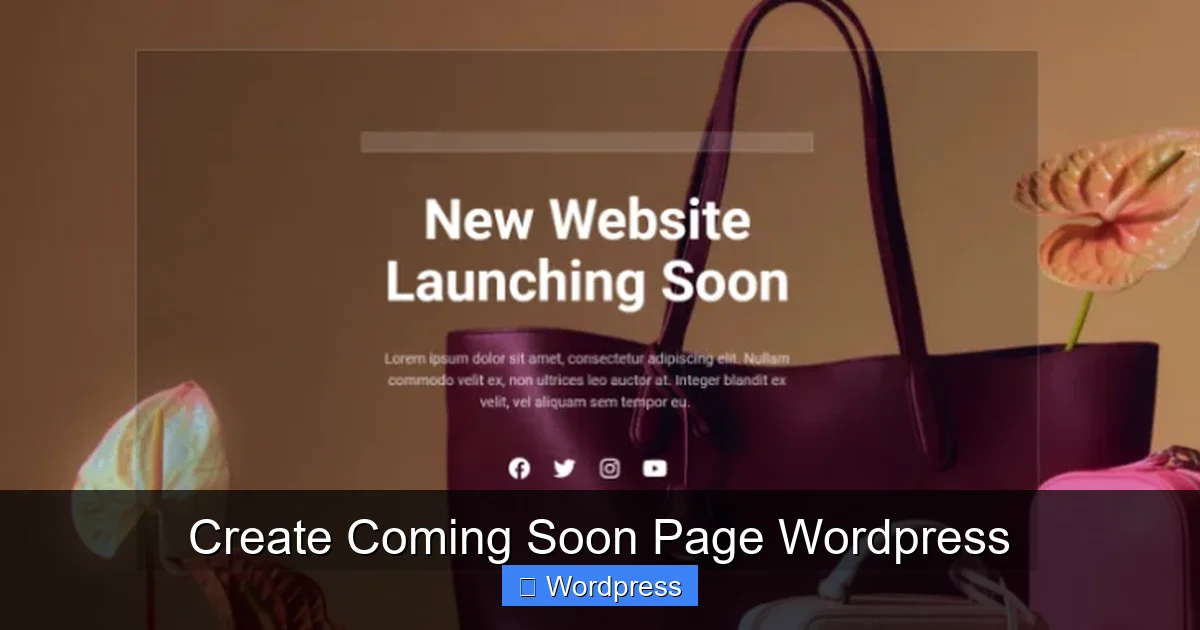
Visual guide about Create Coming Soon Page WordPress
Image source: isitwp.com
Not all coming soon pages are created equal. To make yours effective, include these key elements:
Clear Headline and Subheadline
Your headline should instantly communicate what’s coming. Use action-oriented language and your brand voice. For example: “The Future of Online Learning—Launching Soon!” Pair it with a subheadline that adds context: “Join thousands of learners waiting for smarter, faster courses.”
Email Signup Form
This is your golden opportunity to grow your list. Use a simple form with just an email field and a compelling call-to-action like “Get Early Access” or “Be the First to Know.” Integrate it with your email service provider (ESP) to automate follow-ups.
Countdown Timer
A countdown creates urgency and excitement. Tools like SeedProd and Elementor include built-in timers. Set a realistic launch date and watch engagement rise as the clock ticks down.
Branding and Visuals
Use your logo, brand colors, and high-quality images or illustrations. Avoid generic stock photos—choose visuals that reflect your brand personality. If you’re launching a tech product, a sleek, minimalist design works best. For a creative agency, bold colors and dynamic graphics might be more fitting.
Social Proof and Trust Signals
If you have early testimonials, press mentions, or partner logos, include them. Even a simple line like “Featured in TechCrunch” can boost credibility.
SEO and Performance Tips
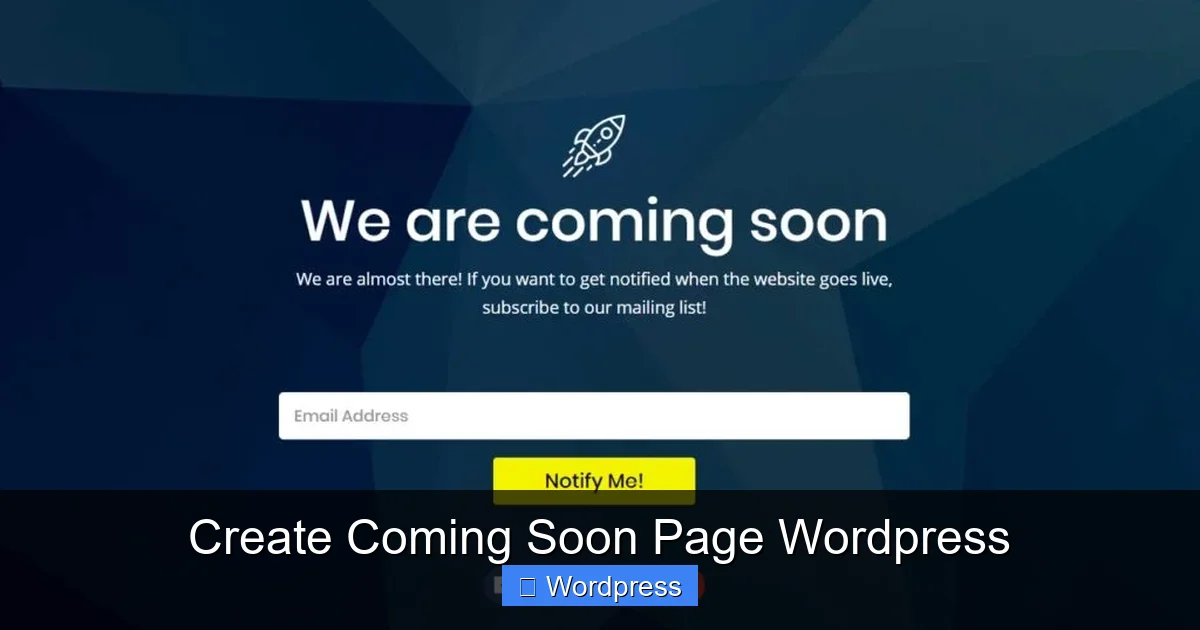
Visual guide about Create Coming Soon Page WordPress
Image source: s14308.pcdn.co
While your site isn’t live yet, SEO still matters. Here’s how to optimize your coming soon page:
Prevent Indexing
Use the `noindex` meta tag to tell search engines not to index your coming soon page. Most plugins handle this automatically, but if you’re using custom code, add this to your header:
“`html
“`
This prevents duplicate content issues when your full site launches.
Optimize Page Speed
A slow-loading page frustrates visitors. Compress images, minimize CSS/JS, and use a lightweight plugin. Tools like WP Rocket or Autoptimize can help, but for a coming soon page, simplicity is key.
Set Up Google Analytics
Even before launch, you can track visitor behavior. Add your Google Analytics tracking code to monitor traffic sources, bounce rates, and form submissions. This data helps refine your launch strategy.
Launching Your Site: What to Do Next
Once your site is ready, it’s time to go live. But don’t just flip the switch—do it right.
First, test everything. Check all links, forms, and mobile responsiveness. Use tools like Google’s Mobile-Friendly Test and PageSpeed Insights.
Next, remove the coming soon page. If you used a plugin, simply deactivate it. If you used a custom template, revert your homepage settings.
Finally, announce your launch! Send an email to your subscribers, post on social media, and consider a small giveaway or discount for early visitors.
And remember: your website is just the beginning. Keep improving it based on user feedback and analytics.
Creating a coming soon page in WordPress is a smart, simple way to build momentum for your launch. Whether you use a plugin, theme, or custom code, the key is to make it professional, engaging, and aligned with your brand. With the right tools and a clear plan, you’ll turn curious visitors into loyal fans—before your site even goes live.
Frequently Asked Questions
What’s the best plugin for a coming soon page in WordPress?
SeedProd is widely considered the best due to its drag-and-drop builder, templates, and integrations. WP Maintenance Mode is a great free alternative.
Can I use Elementor to design a coming soon page?
Yes, Elementor Pro includes a coming soon template. You can also use the free version with a maintenance mode plugin for basic designs.
How long should I keep my coming soon page active?
It depends on your launch timeline, but aim to keep it up for 1–4 weeks. Longer periods may reduce urgency and visitor interest.
Do I need a custom domain for my coming soon page?
Yes, use your actual domain (e.g., yoursite.com) so visitors recognize your brand and you don’t lose SEO value when you launch.
Can I track how many people sign up on my coming soon page?
Absolutely. Most email integration tools (like Mailchimp) provide signup analytics, and you can also use Google Analytics to track form submissions.
Is it okay to use a free coming soon plugin?
Yes, many free plugins like WP Maintenance Mode offer solid features. Just ensure they support email integration and mobile responsiveness.