
Creating a landing page in WordPress is easier than you think. With the right tools and strategies, you can build a focused, conversion-driven page that captures leads and drives sales—no coding required.
Imagine you’re launching a new product, running a webinar, or promoting a free eBook. You need a page that grabs attention, explains your offer clearly, and gets people to take action—fast. That’s exactly what a landing page does. And the best part? You can build a powerful, professional landing page in WordPress without hiring a developer or learning to code.
WordPress isn’t just for blogs or full websites. It’s a flexible content management system that supports everything from simple one-page sites to complex sales funnels. Whether you’re a small business owner, marketer, or blogger, knowing how to create a landing page in WordPress gives you a huge advantage. You can launch campaigns quickly, test different messages, and grow your audience—all from one platform.
Key Takeaways
- WordPress supports landing pages natively: You can create a landing page using pages, templates, or specialized plugins without needing a separate platform.
- Use dedicated landing page plugins: Tools like Elementor, Thrive Themes, and SeedProd simplify design and boost conversion rates.
- Focus on a single goal: A great landing page eliminates distractions and guides visitors toward one clear action, like signing up or buying.
- Optimize for mobile and speed: Most traffic comes from mobile devices, so responsive design and fast loading are essential.
- Test and refine continuously: Use A/B testing to improve headlines, CTAs, and layouts for better performance over time.
- Integrate with email and analytics tools: Connect your landing page to services like Mailchimp or Google Analytics to track leads and behavior.
Quick Answers to Common Questions
Can I create a landing page in WordPress without plugins?
Yes, you can use a blank page template and build it manually with the WordPress block editor (Gutenberg). However, plugins make the process faster and more flexible.
Do I need a special theme for landing pages?
Not necessarily. Many themes support landing pages, but using a lightweight, conversion-focused theme or a page builder gives you more control.
How do I track conversions on my landing page?
Use Google Analytics, Facebook Pixel, or your email service’s tracking tools to monitor form submissions, clicks, and page views.
Can I use a landing page for SEO?
Yes, but focus on relevance. If your landing page targets a specific keyword and offers real value, it can rank well in search results.
Is it better to use a plugin or a custom theme?
Plugins are easier for beginners. Custom themes offer more control but require development skills. Most users benefit from a good plugin.
📑 Table of Contents
What Is a Landing Page?
A landing page is a standalone web page designed for a specific marketing or advertising campaign. Unlike your homepage, which serves multiple purposes, a landing page has one goal: to convert visitors into leads or customers. It’s where someone “lands” after clicking a link in an email, ad, or social media post.
Key Characteristics of a Great Landing Page
- Clear headline: Immediately tells visitors what they’ll get.
- Compelling offer: Explains the value of your product, service, or lead magnet.
- Strong call-to-action (CTA): Buttons like “Get Your Free Guide” or “Start My Trial” guide the next step.
- Minimal distractions: No navigation menus or links that take users away from the page.
- Social proof: Testimonials, reviews, or logos of trusted clients build credibility.
Why Use WordPress for Landing Pages?
WordPress powers over 43% of all websites on the internet—and for good reason. It’s user-friendly, scalable, and packed with tools to help you build exactly what you need. When it comes to landing pages, WordPress offers several advantages:
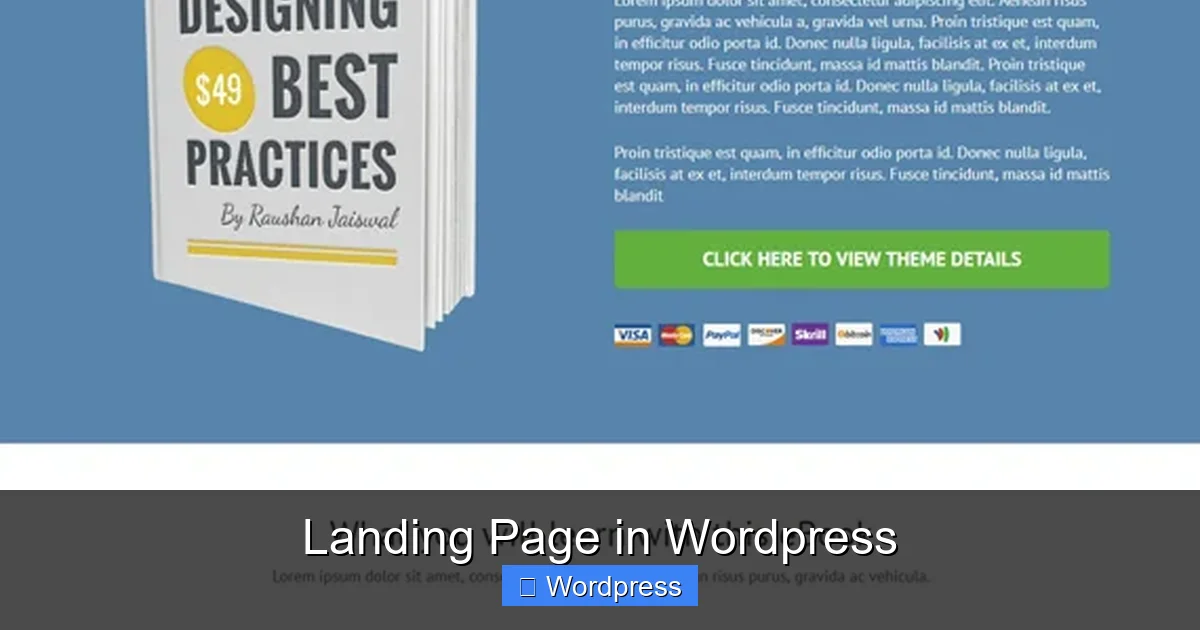
Visual guide about Landing Page in WordPress
Image source: beautifulthemes.com
Flexibility and Control
You can customize every aspect of your landing page, from layout to colors, fonts, and forms. Whether you want a simple squeeze page or a multi-step funnel, WordPress gives you the freedom to design it your way.
Thousands of Plugins and Themes
Plugins like Elementor, Beaver Builder, and Thrive Architect let you drag and drop elements to create stunning pages. Many themes are also optimized for conversions, with built-in landing page templates.
SEO and Performance Optimization
WordPress works well with SEO plugins like Yoast or Rank Math, helping your landing page rank in search results. Plus, with the right WordPress theme for SEO and speed, your page will load fast and perform well on all devices.
Easy Integration
Connect your landing page to email marketing services (like Mailchimp or ConvertKit), payment gateways, CRM systems, and analytics tools with just a few clicks.
How to Create a Landing Page in WordPress
Ready to build your first landing page? Here’s a step-by-step guide to get you started.
Step 1: Choose the Right Tool
You have several options for creating a landing page in WordPress:
- Page builders: Elementor, Beaver Builder, or Divi let you design visually with drag-and-drop tools.
- Landing page plugins: SeedProd, Thrive Architect, or Unbounce offer pre-built templates and conversion-focused features.
- Custom page templates: Some themes include landing page templates you can use right away.
For beginners, we recommend starting with Elementor or SeedProd—they’re intuitive and require no coding.
Step 2: Install and Activate Your Plugin
Go to your WordPress dashboard, click Plugins > Add New, and search for your chosen tool. Install and activate it. Most plugins will guide you through setup with a welcome wizard.
Step 3: Select a Template
Open the plugin and choose a landing page template that matches your goal. For example, pick a “Webinar Signup” template if you’re promoting an online event. Customize the colors, fonts, and images to match your brand.
Step 4: Add Your Content
Replace placeholder text with your own headline, description, and offer. Keep your message clear and benefit-focused. For example:
“Get our free 7-day email course and learn how to double your website traffic—no experience needed.”
Add a form to collect emails, and make sure your CTA button stands out.
Step 5: Optimize for Mobile
Over 60% of web traffic comes from mobile devices. Use your page builder’s mobile preview to check how your landing page looks on phones and tablets. Adjust spacing, font sizes, and button placement as needed.
Step 6: Publish and Test
Once you’re happy with your design, publish the page. Share the link in your ads, emails, or social posts. Then, use tools like Google Analytics or Hotjar to see how visitors interact with your page.
Best Practices for High-Converting Landing Pages
Design matters, but so does psychology. Here’s how to make your landing page in WordPress truly effective.
Write a Benefit-Driven Headline
Your headline should answer: “What’s in it for me?” Avoid vague statements like “Welcome to Our Site.” Instead, try: “Free SEO Checklist: Rank #1 on Google in 30 Days.”
Use Social Proof
People trust others like them. Add testimonials, customer logos, or stats like “Join 10,000+ marketers who’ve grown their traffic.”
Keep Forms Short
The fewer fields you ask for, the more people will complete the form. Start with just name and email. You can gather more info later.
Create Urgency and Scarcity
Use phrases like “Offer ends tonight” or “Only 5 spots left” to encourage quick action. Just be honest—don’t fake scarcity.
A/B Test Everything
Try different versions of your headline, CTA button color, or image. Tools like Nelio A/B Testing or Thrive Optimize let you run experiments directly in WordPress.
Common Mistakes to Avoid
Even small errors can hurt your conversion rate. Watch out for these pitfalls:
- Too many links: Avoid navigation menus or external links that distract from your goal.
- Slow loading times: Compress images and use a fast host. A 1-second delay can reduce conversions by 7%.
- Poor mobile experience: Test on real devices, not just desktop previews.
- Weak CTAs: Use action words like “Download Now” or “Get Instant Access.”
- No privacy policy: If you’re collecting emails, include a link to your privacy policy to build trust.
Recommended Plugins and Tools
Here are some top tools to help you build and optimize your landing page in WordPress:
- Elementor: Free and Pro versions with hundreds of templates and widgets.
- SeedProd: Built specifically for landing pages, with spam protection and integrations.
- Thrive Architect: Focused on conversions, with A/B testing and lead generation features.
- OptinMonster: Great for pop-ups and exit-intent forms to capture leaving visitors.
- WPForms: Easy form builder with email marketing integrations.
Pair these with a reliable host like Bluehost or a top hosting provider for bloggers to ensure fast, secure performance.
Conclusion
Creating a landing page in WordPress is a smart, scalable way to grow your business. Whether you’re capturing leads, selling products, or promoting events, a well-designed landing page can dramatically improve your results. With the right tools, a clear message, and a focus on user experience, you can build pages that convert—without needing a developer or a big budget.
Start simple. Pick a plugin, choose a template, and launch your first page this week. Then, test, learn, and improve. Over time, you’ll discover what resonates with your audience and drive more traffic, leads, and sales—all from your WordPress site.
Frequently Asked Questions
What’s the difference between a homepage and a landing page?
A homepage serves multiple purposes and includes navigation to other sections of your site. A landing page is focused on one goal, like capturing emails or selling a product, with no distractions.
Do landing pages work on mobile devices?
Yes, and they must. Most internet users browse on mobile, so your landing page should be fully responsive and fast-loading on all devices.
How long should a landing page be?
It depends on your offer. Simple lead magnets may only need a short page, while complex products might benefit from more detailed content. Test to find the right length.
Can I use Google Ads with a WordPress landing page?
Absolutely. Just connect your landing page URL to your Google Ads campaign and use tracking codes to measure performance.
Do I need to update my landing page regularly?
Yes. Update offers, testimonials, and design elements based on performance data and changing audience needs.
Are free landing page plugins effective?
Many free plugins like Elementor and SeedProd offer powerful features. However, premium versions often include advanced templates, A/B testing, and better support.