This guide shows you how to add a coming soon page in WordPress quickly and easily. Whether you’re launching a new site or making updates, a coming soon page keeps visitors informed while you work behind the scenes.
Key Takeaways
- Choose the right method: Use a plugin for simplicity or code for full control over your coming soon page.
- Plugins save time: Tools like SeedProd or WP Maintenance Mode let you create professional pages in minutes.
- Customize your message: Add your logo, countdown timer, and email signup to build excitement and capture leads.
- Exclude admin access: Always allow logged-in users to view the live site while showing the coming soon page to visitors.
- Test before going live: Preview your page and check how it looks on mobile devices.
- Remove when ready: Don’t forget to disable the coming soon mode once your site is ready to launch.
- SEO-friendly approach: Use proper meta tags and avoid blocking search engines unless necessary.
Introduction: Why You Need a Coming Soon Page in WordPress
If you’re building a new website or redesigning an existing one, a coming soon page is a smart move. It tells visitors your site is on the way—and keeps them engaged until launch. Instead of showing a broken or incomplete site, you can display a sleek, professional placeholder that builds anticipation.
In this guide, you’ll learn how to add a coming soon page in WordPress using two main methods: with a plugin (easiest) or with custom code (for advanced users). We’ll walk you through each step, share practical tips, and help you avoid common pitfalls. By the end, you’ll have a polished coming soon page that looks great and works perfectly.
Method 1: Add a Coming Soon Page Using a Plugin (Recommended for Beginners)
Using a plugin is the fastest and most user-friendly way to create a coming soon page. Most plugins come with drag-and-drop builders, pre-designed templates, and customization options—no coding required.
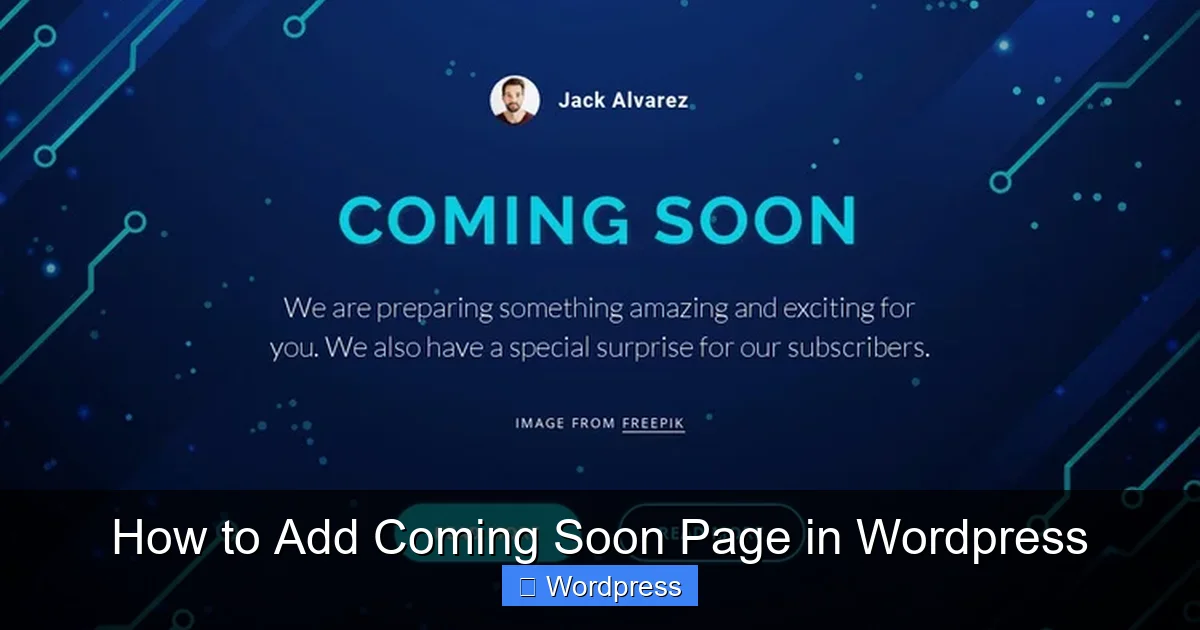
Visual guide about How to Add Coming Soon Page in WordPress
Image source: images01.nicepagecdn.com
Step 1: Choose a Reliable Coming Soon Plugin
There are many plugins available, but we recommend these top choices:
- SeedProd: Offers beautiful templates, email integration, and a visual builder.
- WP Maintenance Mode: Lightweight and easy to use, with countdown timers and social media links.
- Coming Soon Page & Maintenance Mode by SeedProd: A free version of SeedProd with solid features.
For this tutorial, we’ll use SeedProd, one of the most popular and flexible options.
Step 2: Install and Activate the Plugin
To install SeedProd:
- Go to your WordPress dashboard.
- Click Plugins > Add New.
- Search for “SeedProd”.
- Click Install Now, then Activate.
Once activated, you’ll see a new menu item called “SeedProd” in your dashboard.
Step 3: Create Your Coming Soon Page
Now let’s build your page:
- Go to SeedProd > Landing Pages.
- Click Add New.
- Choose a template from the “Coming Soon” category. SeedProd offers dozens of free and premium designs.
- Click Use This Template to open the drag-and-drop builder.
In the builder, you can:
- Edit text (like your headline and message)
- Upload your logo
- Add a countdown timer
- Include an email signup form (connects to Mailchimp, ConvertKit, etc.)
- Change colors, fonts, and background images
Tip: Keep your message clear and exciting. For example: “We’re crafting something amazing. Be the first to know when we launch!”
Step 4: Enable the Coming Soon Mode
After designing your page:
- Click the Save button in the top-right corner.
- Then click Launch.
- Toggle the switch to Enable Coming Soon Mode.
That’s it! Your coming soon page is now live. Visitors will see it instead of your regular site.
Step 5: Allow Admin Access (Important!)
By default, SeedProd lets logged-in users (like you) view the live site. This is crucial so you can continue working without seeing the coming soon page.
To double-check:
- Go to SeedProd > Settings.
- Under “Access Controls,” make sure “Allow Logged-In Users to View Site” is enabled.
You can also add specific user roles (like editors) if needed.
Method 2: Create a Coming Soon Page Without a Plugin (Advanced)
If you prefer not to use a plugin—or want full control over the code—you can create a coming soon page manually. This method is ideal for developers or those comfortable with WordPress themes.
Step 1: Create a Custom Page Template
You’ll need to add a new template file to your theme. Here’s how:
- Connect to your site via FTP or use the File Manager in your hosting control panel.
- Navigate to
/wp-content/themes/your-theme/. - Create a new file called
coming-soon.php.
Paste this basic code into the file:
<?php
/*
Template Name: Coming Soon
*/
?>
<!DOCTYPE html>
<html>
<head>
  <title>Coming Soon</title>
  <meta name="robots" content="noindex, nofollow">
  <style>
    body { font-family: Arial, sans-serif; text-align: center; padding: 100px 20px; background: #f4f4f4; }
    h1 { color: #333; }
    p { color: #666; }
  </style>
</head>
<body>
  <h1>We're Almost Ready!</h1>
  <p>Our website is coming soon. Stay tuned!</p>
</body>
</html>
This creates a simple, clean coming soon page. You can customize the HTML and CSS to match your brand.
Step 2: Create a New Page in WordPress
- Go to Pages > Add New in your WordPress dashboard.
- Title it “Coming Soon”.
- In the right sidebar, under “Template,” select “Coming Soon” from the dropdown.
- Click Publish.
Step 3: Set the Page as Your Homepage
- Go to Settings > Reading.
- Under “Your homepage displays,” select “A static page”.
- Choose “Coming Soon” from the dropdown.
- Click Save Changes.
Now, your coming soon page will appear when visitors go to your site.
Step 4: Exclude Admin Users (Optional but Recommended)
To let logged-in users see the real site, add this code to your theme’s functions.php file:
function show_coming_soon_to_guests() {
  if ( !is_user_logged_in() && is_front_page() ) {
    include( get_template_directory() . '/coming-soon.php' );
    exit;
  }
}
add_action( 'template_redirect', 'show_coming_soon_to_guests' );
This ensures only visitors see the coming soon page—admins and editors can still access the full site.
Tips for a Great Coming Soon Page
- Use a countdown timer: Creates urgency and excitement.
- Add an email signup: Collect leads so you can notify people when you launch.
- Include social media links: Let visitors follow you for updates.
- Optimize for mobile: Test your page on phones and tablets.
- Set proper SEO tags: Use
noindexto avoid search engines indexing your placeholder page.
Troubleshooting Common Issues
Problem: I can’t see my live site even when logged in.
Solution: Check your plugin or code settings to ensure logged-in users are excluded from the coming soon page.
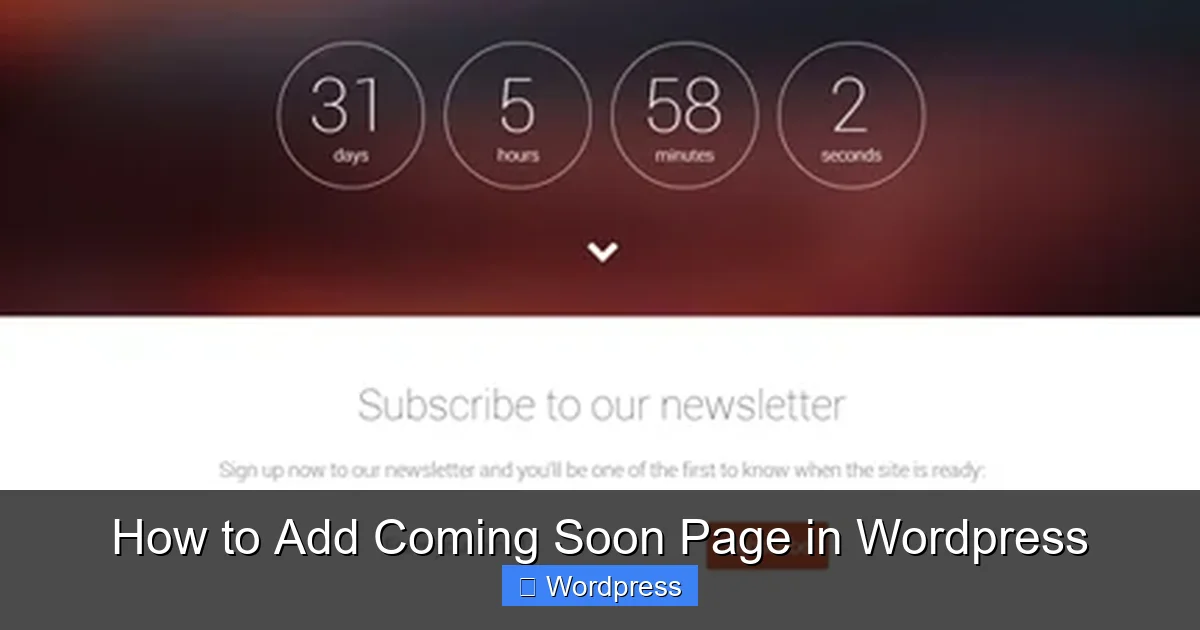
Visual guide about How to Add Coming Soon Page in WordPress
Image source: azmind.com
Problem: The coming soon page looks broken on mobile.
Solution: Use responsive design in your CSS or choose a mobile-friendly plugin template.
Problem: I can’t find the coming soon page after disabling the plugin.
Solution: Go to Settings > Reading and reset your homepage to the default or a new page.
Conclusion: Launch with Confidence
Adding a coming soon page in WordPress is a simple but powerful way to manage your site’s launch. Whether you use a plugin like SeedProd or go the custom code route, you now have the tools to create a professional, engaging placeholder page.
Remember to test your page, allow admin access, and remove the coming soon mode once your site is ready. With these steps, you’ll make a great first impression—and keep visitors coming back for more.
For more WordPress tips, check out our guide on how to apply a WordPress theme or learn how to create a coming soon page in WordPress with advanced features. If you’re using Elementor, don’t miss our tutorial on creating a WordPress theme with Elementor.