
Creating a landing page doesn’t have to cost a fortune. With free tools and WordPress, you can build a professional-looking page in under an hour. This guide walks you through every step—from setup to launch—so you can start converting visitors immediately.
Key Takeaways
- Use free WordPress hosting or a free subdomain: Platforms like WordPress.com offer free plans to get started without spending a dime.
- Choose a landing page-friendly theme: Themes like Astra or Neve are lightweight, customizable, and perfect for high-converting pages.
- Leverage free page builders: Tools like Elementor (free version) let you design visually appealing layouts without coding.
- Focus on clear messaging and a strong CTA: Your headline, value proposition, and call-to-action should guide visitors toward one goal.
- Optimize for mobile and speed: Most visitors use phones, so ensure your page loads fast and looks great on all devices.
- Test and tweak after launch: Use free analytics tools to track performance and improve conversions over time.
Introduction: Why a Free Landing Page Matters
Whether you’re launching a new product, collecting email signups, or promoting an event, a landing page is your digital storefront. The best part? You don’t need a big budget to create one. With WordPress and a few free tools, you can build a high-converting landing page in less than an hour.
In this guide, you’ll learn exactly how to create a landing page for free—step by step. We’ll cover everything from choosing the right platform to designing your layout and publishing your page. No coding required, no hidden costs, just clear, actionable instructions.
Step 1: Choose Your WordPress Platform
The first decision is where to host your landing page. You have two main options: self-hosted WordPress (WordPress.org) or WordPress.com.
For a truly free solution, start with WordPress.com’s free plan. It gives you a subdomain (like yoursite.wordpress.com), basic themes, and enough features to build a simple landing page. While it has limitations—like no plugin support—it’s perfect for beginners or quick campaigns.
If you want more flexibility later, consider starting with a free subdomain and upgrading when needed. Avoid paid hosting unless you’re ready to invest.
Tip: Use a Free Subdomain Wisely
Your free subdomain might not look as professional as a custom domain, but it’s fine for testing or short-term campaigns. Just make sure your branding and content are strong enough to build trust.
Step 2: Pick the Right Theme
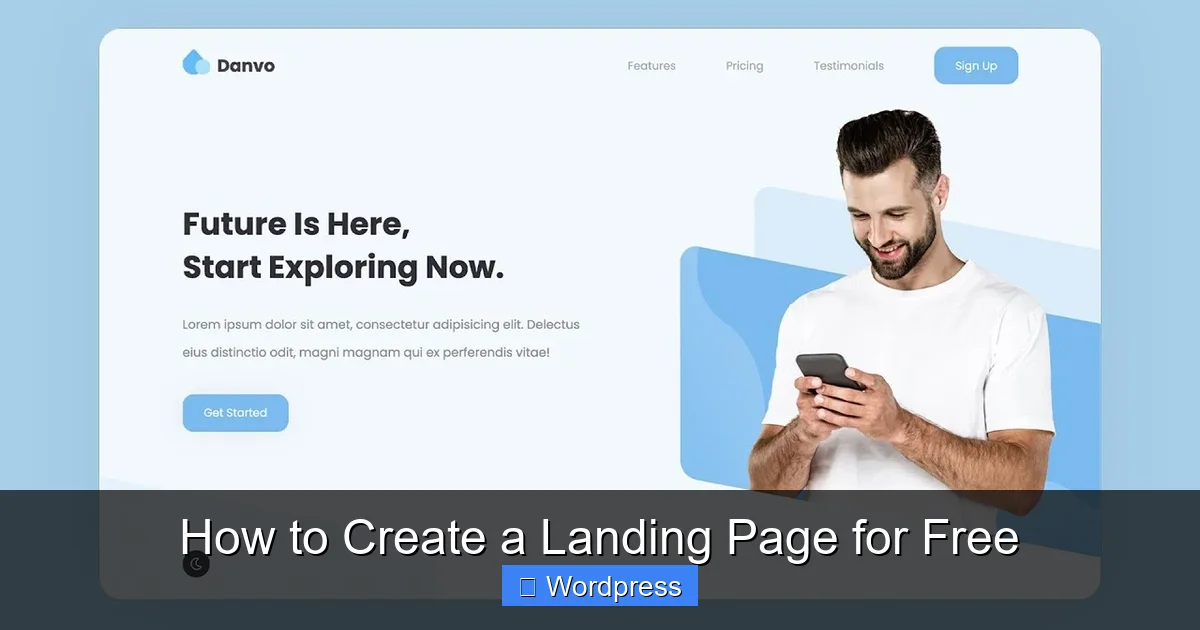
Your theme determines how your landing page looks and performs. For free options, focus on lightweight, responsive themes that load quickly and work well with page builders.
Visual guide about How to Create a Landing Page for Free
Image source: i.ytimg.com
Top free WordPress themes for landing pages include:
- Astra: Fast, customizable, and works seamlessly with Elementor.
- Neve: Mobile-first design with one-click demo imports.
- OceanWP: Flexible and SEO-friendly, great for conversions.
To install a theme, go to Appearance > Themes > Add New in your WordPress dashboard. Search for your chosen theme, click “Install,” then “Activate.”
Internal Link: Learn More About Theme Management
If you’re unsure how to manage themes, check out our guide on how to apply a WordPress theme for detailed instructions.
Step 3: Install a Free Page Builder
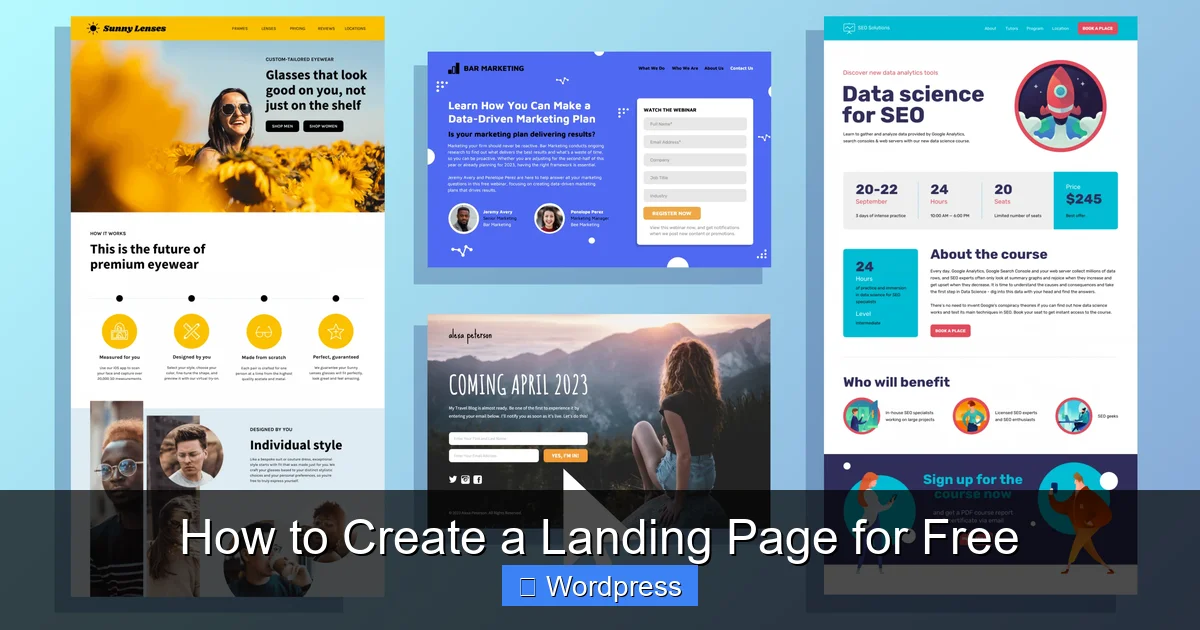
A page builder lets you design your landing page visually—no coding needed. The best free option is Elementor, which offers a drag-and-drop editor and hundreds of free templates.
Visual guide about How to Create a Landing Page for Free
Image source: venngage-wordpress.s3.amazonaws.com
To install Elementor:
- Go to Plugins > Add New.
- Search for “Elementor.”
- Click “Install Now,” then “Activate.”
Once activated, you’ll see an “Edit with Elementor” button when creating a new page.
Using Elementor’s Free Templates
Elementor’s template library includes free landing page designs. Click “Add Template” > “Blocks” > “Landing Pages” to browse options. Choose one that matches your goal (e.g., lead generation, product launch), then customize it with your text, images, and branding.
Step 4: Design Your Landing Page
Now comes the fun part—building your page. A great landing page has three core elements: a clear headline, compelling content, and a strong call-to-action (CTA).
1. Craft a Powerful Headline
Your headline should answer: “What’s in it for me?” Keep it short, benefit-focused, and above the fold. For example: “Get Your Free SEO Audit in 60 Seconds” works better than “Welcome to Our Website.”
2. Add Supporting Content
Use short paragraphs, bullet points, and visuals to explain your offer. Include:
- What you’re offering
- Why it matters
- How to get it
Avoid clutter. Every element should support your main goal.
3. Place a Clear Call-to-Action
Your CTA button should stand out. Use action words like “Get Started,” “Download Now,” or “Claim Your Spot.” Place it above the fold and repeat it if the page is long.
4. Optimize for Mobile
Over 60% of web traffic comes from mobile devices. In Elementor, switch to mobile view and adjust spacing, font sizes, and button placement. Test on multiple screen sizes.
Step 5: Set Up a Contact Form (Optional but Recommended)
If you’re collecting leads, add a contact form. WordPress comes with a built-in form feature, but for more flexibility, use the free plugin WPForms Lite.
To install WPForms:
- Go to Plugins > Add New.
- Search for “WPForms Lite.”
- Install and activate.
- Go to WPForms > Add New and choose a template (e.g., “Simple Contact Form”).
- Customize fields, then copy the shortcode.
- Paste it into your landing page using Elementor’s Shortcode widget.
Make sure to connect your form to email notifications so you don’t miss leads.
Step 6: Improve Speed and SEO
A slow or poorly optimized page hurts conversions. Here’s how to fix it—for free.
Speed Optimization Tips
- Use compressed images (tools like TinyPNG can help).
- Avoid heavy plugins or animations.
- Choose a lightweight theme (like Astra or Neve).
- Enable caching with a free plugin like WP Super Cache.
Basic SEO Setup
Even on a free WordPress plan, you can improve SEO:
- Write a clear, keyword-rich page title and meta description.
- Use headings (H1, H2) to structure content.
- Add alt text to images.
- Ensure your page is indexed by search engines (check under Settings > Reading).
For advanced SEO, consider upgrading later—but these basics will get you started.
Internal Link: Explore SEO-Friendly Themes
Want to boost your page’s visibility? Read our review of the best WordPress theme for SEO and speed to find top performers.
Step 7: Publish and Test Your Landing Page
Once your page looks good, it’s time to go live. Click “Publish” in WordPress, then share the link with friends or test it yourself.
Test Before You Promote
Check for:
- Broken links or forms
- Typos or formatting issues
- Mobile responsiveness
- Load time (use Google’s PageSpeed Insights)
Track Performance
Use free tools like Google Analytics (via MonsterInsights Lite) or Google Search Console to monitor traffic, bounce rate, and conversions. This data helps you improve over time.
Troubleshooting Common Issues
Even with free tools, you might run into problems. Here’s how to fix the most common ones:
“My Page Looks Different on Mobile”
This is usually a spacing or font size issue. In Elementor, switch to mobile view and adjust padding, margins, and text sizes. Use the responsive controls to fine-tune each device.
“My Form Isn’t Sending Emails”
Free WordPress plans sometimes block email delivery. Try using a plugin like WP Mail SMTP (free version) to route emails through Gmail or another provider.
“My Theme Doesn’t Work with Elementor”
Some themes conflict with page builders. Stick to recommended themes like Astra or Neve. If issues persist, check our guide on how to deactivate a theme in WordPress to troubleshoot safely.
Conclusion: Launch Your Free Landing Page Today
You don’t need a big budget or technical skills to create a high-converting landing page. With WordPress, free themes, and tools like Elementor, you can build a professional page in under an hour.
Start simple: pick a goal, choose a theme, design with clarity, and test before you promote. As your needs grow, you can upgrade to premium features—but for now, this free method gives you everything you need to succeed.
Ready to build? Log into WordPress, pick a theme, and start designing. Your first landing page is just a few clicks away.
Internal Link: Explore More Landing Page Options
Looking for inspiration or advanced setups? Check out our detailed guide on landing pages in WordPress for pro tips and real-world examples.