This guide walks you through how to create backlinks in WordPress using effective, ethical methods. You’ll discover actionable techniques like guest posting, content upgrades, and internal linking to strengthen your site’s authority and search visibility.
Key Takeaways
- Backlinks boost SEO: High-quality backlinks from trusted sites signal authority to search engines, improving your WordPress site’s ranking.
- Focus on relevance: Links from websites in your niche carry more weight than random or low-quality directories.
- Use internal linking wisely: Connect related posts and pages within your WordPress site to improve navigation and SEO.
- Create shareable content: Publish valuable, original content that others naturally want to link to, such as guides, infographics, or case studies.
- Avoid spammy tactics: Stay away from link farms or automated tools—Google penalizes manipulative linking practices.
- Monitor your backlinks: Use tools like Ahrefs or Google Search Console to track your link profile and disavow harmful links if needed.
- Leverage WordPress plugins: Tools like Yoast SEO or Rank Math help optimize content and suggest internal linking opportunities.
How to Create Backlinks in WordPress: A Complete Guide
If you’re running a WordPress website, you’ve probably heard that backlinks are essential for SEO. But what exactly are they—and how do you actually create them? In this guide, we’ll break down how to create backlinks in WordPress using practical, beginner-friendly strategies. Whether you’re a blogger, small business owner, or digital marketer, these methods will help you build a strong backlink profile and climb the search engine rankings.
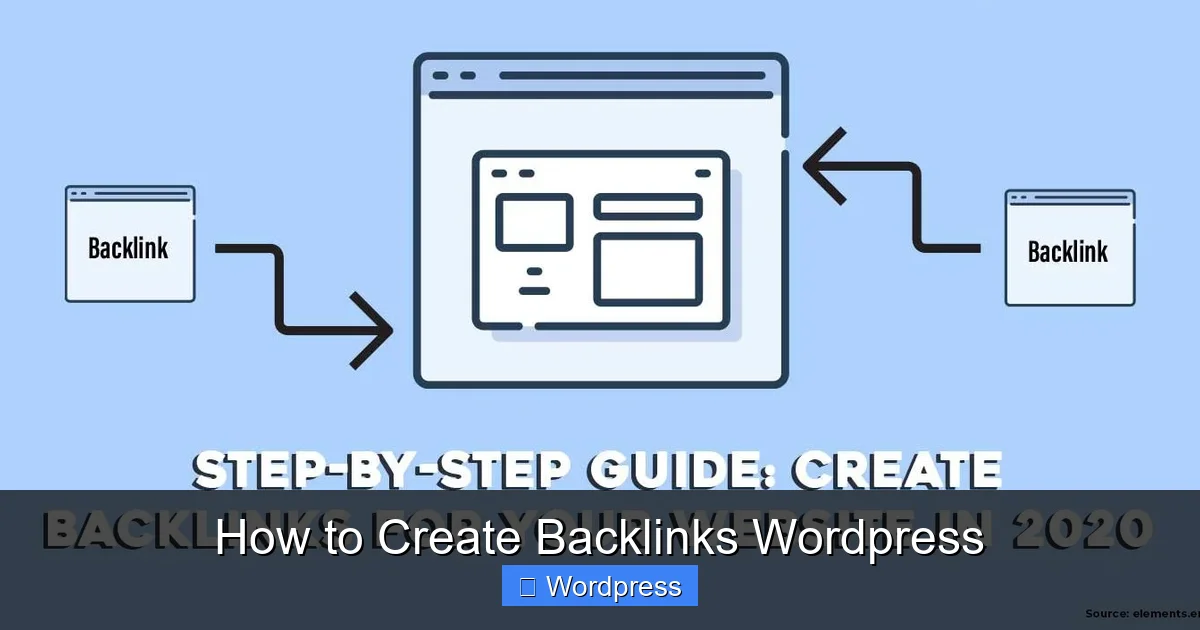
Backlinks—also called inbound or incoming links—are links from other websites that point to your WordPress site. Search engines like Google view these as “votes of confidence.” The more high-quality backlinks you earn, the more authoritative your site appears, which can lead to better visibility, more organic traffic, and higher rankings.
But not all backlinks are created equal. A single link from a reputable news site is worth far more than dozens from spammy directories. That’s why it’s crucial to focus on quality over quantity.
Let’s dive into the step-by-step process of creating backlinks for your WordPress site.
Step 1: Audit Your Current Backlink Profile
Before you start building new links, it’s smart to see where you stand. Use free tools like Google Search Console or paid options like Ahrefs or Moz to analyze your existing backlinks.
Check for Quality and Quantity
Look at the domains linking to your site. Are they relevant to your niche? Do they have strong domain authority? Remove or disavow any suspicious or low-quality links that could hurt your SEO.
Identify Link Gaps
Compare your backlink profile with competitors. Which sites link to them but not to you? These are prime opportunities for outreach.
Step 2: Create High-Quality, Link-Worthy Content
The best way to earn backlinks is to create content so good that others want to link to it. This is called “link bait” content—and it works.
Write Ultimate Guides
Comprehensive, well-researched guides tend to attract the most backlinks. For example, a detailed guide on “How to Start a Blog on WordPress” is more likely to be referenced than a short opinion post.
Publish Original Research or Data
If you conduct surveys, compile statistics, or analyze trends in your industry, other websites may cite your findings. This positions you as an expert and earns natural backlinks.
Design Infographics
Visual content is highly shareable. Create an infographic summarizing a complex topic and include an embed code so others can share it—with a link back to your site.
Step 3: Use Internal Linking Strategically
While internal links don’t directly count as backlinks, they improve your site’s structure and help search engines understand your content hierarchy. They also keep visitors engaged longer.
Link Related Posts
When writing a new blog post, link to older, relevant articles. For example, if you’re writing about “Best WordPress Plugins for SEO,” link to your guide on “How to Install WordPress Plugins.”
Use Descriptive Anchor Text
Instead of “click here,” use keyword-rich phrases like “learn how to create a coming soon page in WordPress.” This helps both users and search engines.
Tip: Plugins like Yoast SEO or Rank Math can suggest internal linking opportunities as you write.
Step 4: Guest Blogging on Relevant Sites
Guest posting is one of the most effective ways to earn high-quality backlinks. It involves writing a blog post for another website in your niche, usually with a link back to your site in the author bio or within the content.
Find Guest Posting Opportunities
Search for “write for us” + your niche (e.g., “write for us WordPress”) or use tools like Hunter.io to find email addresses of blog editors.
Pitch Your Idea
Send a personalized email explaining why your content would benefit their audience. Offer a unique angle or topic they haven’t covered.
Include a Relevant Link
Most sites allow one or two backlinks in the author bio. Make sure the link points to a relevant page on your WordPress site—like a blog post or service page.
Step 5: Leverage Social Media and Online Communities
While social signals aren’t direct ranking factors, sharing your content on platforms like LinkedIn, Twitter, Reddit, and Facebook increases visibility—and the chances someone will link to it.
Join Niche Forums and Groups
Participate in communities like WordPress.org forums, Facebook Groups, or Reddit’s r/WordPress. Share your expertise and link to your content when relevant—but avoid spamming.
Submit to Content Aggregators
Sites like Medium, LinkedIn Articles, or industry-specific hubs allow you to republish or share excerpts of your content with a link back to the original post.
Step 6: Get Listed in Directories and Resource Pages
Not all directories are spammy. Look for high-quality, niche-specific directories or resource pages that list useful tools, blogs, or services.
Submit to Industry Directories
For example, if you run a WordPress design agency, submit your site to directories like “Top WordPress Design Agencies” or “Best Web Design Resources.”
Find “Best Of” Lists
Search for “best WordPress themes 2024” or “top SEO plugins.” If your product or content fits, reach out and suggest an inclusion.
Step 7: Use WordPress Plugins to Support Backlink Building
Several plugins can help streamline your backlink strategy.
Yoast SEO or Rank Math
These plugins optimize your content for SEO and suggest internal linking opportunities. They also help you generate XML sitemaps, which improve crawlability.
Broken Link Checker
This plugin scans your site for broken outbound links. You can contact the site owner and suggest replacing the broken link with a link to your relevant content.
Redirection
Use this plugin to manage 301 redirects if you’ve moved or deleted content. This preserves link equity and prevents broken backlinks.
Step 8: Monitor and Maintain Your Backlinks
Building backlinks isn’t a one-time task. You need to monitor your profile regularly.
Use Google Search Console
Check the “Links” report to see which sites are linking to you. Look for new opportunities and spot any suspicious links.
Disavow Toxic Links
If you notice spammy or irrelevant backlinks, use Google’s Disavow Tool to tell search engines to ignore them.
Update Old Content
Refresh outdated blog posts with new information, images, and internal links. This can re-engage visitors and attract new backlinks.
Troubleshooting Common Issues
Problem: No Backlinks After Months
Solution: Your content may not be link-worthy yet. Focus on creating more comprehensive, unique, or data-driven content. Also, increase outreach efforts through guest posting or email campaigns.
Visual guide about How to Create Backlinks WordPress
Image source: monsterhost.com
Problem: Getting Penalized by Google
Solution: Avoid buying links or using automated link-building tools. Stick to white-hat methods like creating great content and earning links naturally. If penalized, disavow bad links and submit a reconsideration request.
Problem: Broken Backlinks
Solution: Use the Redirection plugin to fix broken internal links. For external backlinks pointing to deleted pages, set up 301 redirects to relevant content.
Conclusion
Creating backlinks for your WordPress site doesn’t have to be complicated—or unethical. By focusing on quality content, smart outreach, and strategic internal linking, you can build a strong backlink profile that boosts your SEO and drives real traffic.
Remember, backlinks are a long-term investment. It takes time to earn them, but the payoff in search rankings and visibility is worth it. Start with one or two strategies from this guide, stay consistent, and watch your WordPress site grow.
Whether you’re optimizing your theme with Elementor or managing plugins, every part of your site contributes to its authority. For more tips on improving your WordPress performance, check out our guide on the best WordPress theme for SEO and speed or learn how to create a WordPress theme with Elementor to customize your site for better user experience and SEO.
And if you’re managing multiple themes, don’t forget to deactivate unused themes to keep your site secure and efficient.