Setting up a coming soon page in WordPress helps you build anticipation before launching your site. This guide shows you simple methods using plugins or WordPress features to create and customize your page quickly.
Key Takeaways
- Use a coming soon page to prepare your site: It lets you work on your site privately while showing visitors a professional message.
- Choose the right method: You can use a plugin, a theme feature, or custom code—each with different levels of ease and control.
- Popular plugins make it easy: Tools like SeedProd, Coming Soon Page & Maintenance Mode, and WP Maintenance Mode offer drag-and-drop builders and templates.
- Customize your page design: Add your logo, message, countdown timer, and social links to match your brand.
- Allow access for admins and developers: Always let logged-in users view the site while the public sees the coming soon page.
- Test before going live: Preview your page on different devices and fix any issues before launch.
- Turn it off when ready: Once your site is ready, disable the coming soon mode to welcome visitors.
Introduction
Are you building a new WordPress website and want to let visitors know it’s almost ready? A coming soon page is a simple but powerful way to set expectations and build excitement before your official launch. Whether you’re a blogger, small business owner, or web developer, this guide will walk you through the easiest ways to set up a coming soon page in WordPress.
In this step-by-step tutorial, you’ll learn how to create a professional-looking coming soon page using popular plugins, built-in WordPress features, and even custom code if you prefer more control. You’ll also discover tips for customizing your page, allowing access to team members, and turning off the page when your site is live. By the end, you’ll have a polished landing page that keeps your audience engaged while you finish setting up your site.
Why Use a Coming Soon Page?
A coming soon page does more than just say “we’re not ready yet.” It’s a marketing tool that helps you:
- Build anticipation: Let visitors know something great is on the way.
- Collect emails: Add a signup form to grow your mailing list before launch.
- Protect your work: Hide unfinished content from public view while you make changes.
- Improve branding: Use consistent colors, fonts, and messaging that reflect your brand.
Without a coming soon page, visitors might see broken links, placeholder text, or a blank screen—which can hurt your credibility. A well-designed page keeps your site looking professional from day one.
Method 1: Use a Coming Soon Plugin (Recommended)
The easiest and most flexible way to set up a coming soon page is by using a plugin. Plugins are beginner-friendly, require no coding, and offer powerful customization options. Here’s how to do it using one of the most popular tools: SeedProd.
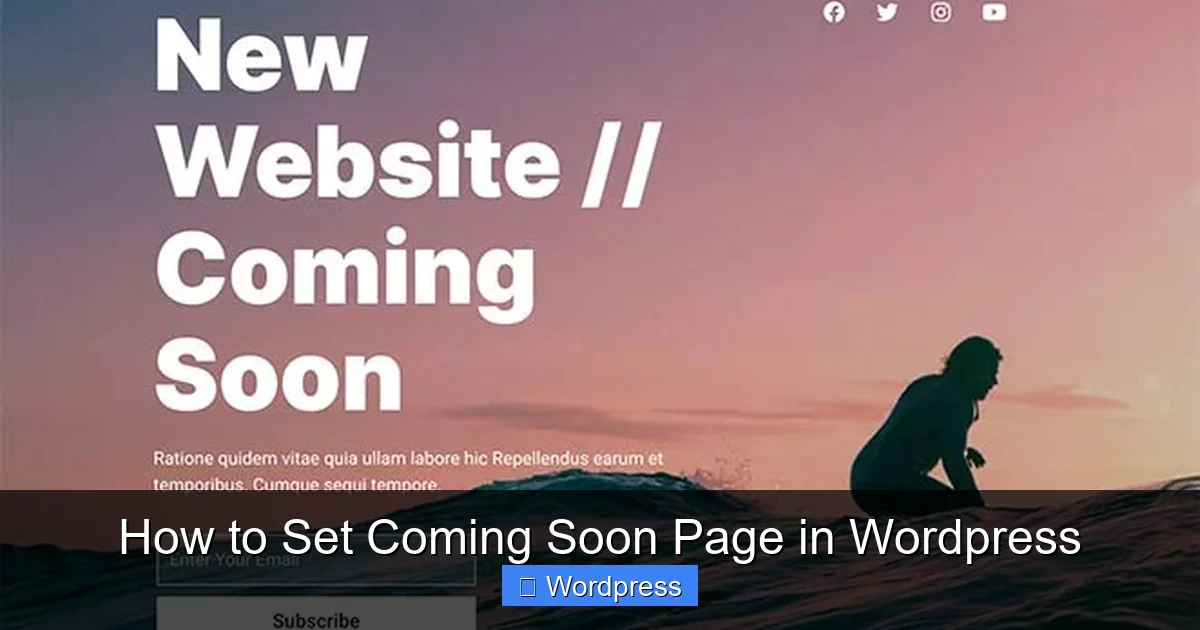
Visual guide about How to Set Coming Soon Page in WordPress
Image source: pushengage.com
Step 1: Install and Activate SeedProd
Go to your WordPress dashboard. Click Plugins > Add New. In the search bar, type “SeedProd.” Find the plugin by SeedProd LLC and click Install Now, then Activate.
Step 2: Create a New Coming Soon Page
After activation, you’ll see a new menu item called SeedProd in your dashboard. Click it, then select Landing Pages. Click Create New Landing Page.
Choose the Coming Soon template from the list. SeedProd offers several free and premium designs. Pick one that fits your style and click Use This Template.
Step 3: Customize Your Page
You’ll now enter the SeedProd drag-and-drop builder. Here’s what you can edit:
- Headline: Change the default text to something like “We’re Launching Soon!”
- Logo: Upload your brand logo by clicking the image section.
- Background: Choose a solid color, gradient, or upload a background image.
- Call-to-Action: Add a button or email signup form to collect leads.
- Countdown Timer: Set a launch date to create urgency.
- Social Icons: Link to your social media profiles.
Use the left panel to adjust fonts, colors, and spacing. Everything updates in real time, so you can see your changes instantly.
Step 4: Enable Coming Soon Mode
Once you’re happy with the design, click Save, then Publish. Next, go to SeedProd > Settings. Toggle on Enable Coming Soon Mode. This will show your new page to all visitors except logged-in users.
Step 5: Allow Admin Access
By default, only logged-in users (like you) can see the actual website. This is perfect for testing and development. If you want team members to access the site, make sure they have WordPress accounts and are logged in.
Method 2: Use a Built-In Theme Feature
Some WordPress themes come with built-in coming soon or maintenance mode options. For example, popular themes like Astra, OceanWP, and Divi include this feature. Here’s how to use it with Astra:
Step 1: Install and Activate Astra Theme
If you’re not using Astra, go to Appearance > Themes > Add New. Search for “Astra,” install it, and activate it.
Step 2: Enable Coming Soon Mode
Go to Appearance > Customize. Look for a section called Coming Soon or Maintenance Mode. In Astra, it’s under Site Identity > Coming Soon Page.
Toggle the switch to Enable. You can then upload a logo, add a headline, and include a message like “We’ll be back soon!”
Step 3: Customize the Page
Some themes let you change the background color or image. In Astra, you can also add a custom message and choose whether to show the page to all users or just non-logged-in visitors.
Click Publish to save your changes. Your coming soon page is now live!
Method 3: Use Custom Code (Advanced)
If you prefer not to use plugins or theme features, you can create a coming soon page with code. This method gives you full control but requires some technical knowledge.
Step 1: Create a Coming Soon Template
In your WordPress theme folder, create a new file called coming-soon.php. Add the following basic HTML structure:
<!DOCTYPE html>
<html>
<head>
  <title>Coming Soon</title>
  <style>
    body { text-align: center; padding: 100px; font-family: Arial, sans-serif; }
    h1 { color: #333; }
  </style>
</head>
<body>
  <h1>We're Coming Soon!</h1>
  <p>Our website is under construction. Stay tuned!</p>
</body>
</html>
Step 2: Redirect Visitors to the Coming Soon Page
Edit your theme’s functions.php file. Add this code to show the coming soon page to non-logged-in users:
function custom_coming_soon() {
  if ( !is_user_logged_in() && !is_admin() ) {
    include( get_template_directory() . '/coming-soon.php' );
    exit();
  }
}
add_action('template_redirect', 'custom_coming_soon');
This code checks if the visitor is logged in. If not, it loads your coming soon page instead of the regular site.
Step 3: Test and Refine
Log out of WordPress and visit your site. You should see the coming soon page. Log back in to confirm you can still access the dashboard and view the site normally.
You can enhance the page by adding CSS, JavaScript, or a contact form. Just remember to keep the file in your theme folder and back up your site before making changes.
Troubleshooting Common Issues
Even with simple tools, things can go wrong. Here are common problems and how to fix them:
Issue: Coming Soon Page Not Showing
Solution: Make sure the plugin or feature is enabled. Clear your browser cache and try viewing the site in incognito mode. If using a plugin, check that it’s not conflicting with another plugin—try deactivating others one by one.
Issue: Logged-In Users Still See Coming Soon Page
Solution: Most plugins and themes have an option to exclude logged-in users. Double-check the settings. In SeedProd, go to Settings and ensure “Enable for Logged-In Users” is turned off.
Issue: Page Looks Broken on Mobile
Solution: Use a responsive template or test your design on different screen sizes. In SeedProd, use the mobile preview button to adjust spacing and font sizes for smaller screens.
Issue: Can’t Access WordPress Dashboard
Solution: If you accidentally locked yourself out, access your site via FTP or your hosting file manager. Rename the plugin folder (e.g., from “seedprod” to “seedprod-old”) to deactivate it. Then log in and reconfigure.
Tips for a Great Coming Soon Page
- Keep it simple: Avoid clutter. Focus on your message, logo, and one clear action (like signing up).
- Add a countdown: A timer creates urgency and excitement.
- Include social links: Let visitors follow you on social media while they wait.
- Optimize for speed: Use lightweight images and avoid heavy scripts.
- Test before launch: Check how the page looks on phones, tablets, and desktops.
Conclusion
Setting up a coming soon page in WordPress is a smart move for any new website. It protects your work in progress, builds anticipation, and keeps your brand looking professional. Whether you use a plugin like SeedProd, a theme feature, or custom code, the process is straightforward and takes just a few minutes.
Remember to customize your page to match your brand, allow access for your team, and test everything before going live. Once your site is ready, simply turn off the coming soon mode and welcome your visitors. With this guide, you’re all set to launch with confidence!