WooCommerce themes are specially designed WordPress themes that enhance your online store’s look, functionality, and user experience. Whether you’re selling physical products, digital downloads, or subscriptions, the right theme can boost conversions and simplify management.
If you’re serious about selling online, your website’s design isn’t just about looking good—it’s about working well. That’s where WooCommerce themes come in. These are WordPress themes specifically built or optimized to work with the WooCommerce plugin, turning your WordPress site into a fully functional online store. Whether you’re selling handmade jewelry, digital courses, or fitness gear, the right theme can make all the difference in how customers see and interact with your brand.
But with thousands of themes available, how do you pick the right one? It’s easy to get overwhelmed by flashy demos and feature lists. The truth is, not all WooCommerce themes are created equal. Some are bloated with unnecessary code, while others lack essential eCommerce tools. That’s why understanding what makes a great WooCommerce theme is key to building a store that converts visitors into customers.
Key Takeaways
- WooCommerce themes are built for online stores: They integrate seamlessly with WooCommerce plugins to support product listings, carts, and checkout.
- Responsive design is a must: Your theme should look great on phones, tablets, and desktops to reach more customers.
- Speed and performance matter: Lightweight, well-coded themes load faster and improve SEO and user experience.
- Customization options save time: Look for themes with drag-and-drop builders, color controls, and layout flexibility.
- Free vs. premium themes: Free themes work for simple stores, but premium themes offer better support, updates, and features.
- SEO-friendly structure helps visibility: Themes optimized for search engines help your store rank higher in Google.
- Support and updates are crucial: Choose themes from reputable developers who offer regular updates and customer help.
Quick Answers to Common Questions
What is a WooCommerce theme?
A WooCommerce theme is a WordPress theme designed to work seamlessly with the WooCommerce plugin, providing styling and functionality for online stores.
Can I use any WordPress theme for WooCommerce?
Technically yes, but it’s not recommended. Regular themes may lack eCommerce features and require extra plugins or custom code to function properly.
Are free WooCommerce themes safe?
Free themes from the official WordPress repository are generally safe, but always check reviews, update frequency, and developer reputation before installing.
Do I need a premium theme for my store?
Not necessarily. Free themes work for simple stores, but premium themes offer better design, features, and support for growing businesses.
How do I know if a theme is mobile-friendly?
Test the theme’s demo on your phone or use Google’s Mobile-Friendly Test tool. If it looks good and works well on mobile, it’s responsive.
📑 Table of Contents
What Are WooCommerce Themes?
WooCommerce themes are WordPress themes designed to support online stores. They come with built-in styling and functionality for product pages, shopping carts, checkout forms, and customer accounts. Unlike regular WordPress themes, they’re tailored to handle the unique needs of eCommerce—like displaying product galleries, managing inventory, and integrating payment gateways.
These themes work hand-in-hand with the WooCommerce plugin, which is the most popular eCommerce solution for WordPress. Once you install WooCommerce, your theme ensures the store elements look clean, professional, and user-friendly. Many themes also include demo content you can import with one click, helping you launch your store faster.
How They Differ from Regular WordPress Themes
While you *can* use a regular WordPress theme for an online store, it often requires extra plugins and custom coding to function properly. WooCommerce themes, on the other hand, are pre-optimized for online selling. They include:
– Pre-styled product grids and single product pages
– Custom widgets for featured products or best sellers
– Built-in support for WooCommerce shortcodes
– Enhanced checkout and cart layouts
This means less setup time and fewer compatibility issues. You won’t have to worry about your theme breaking when you update WooCommerce.
Why Choosing the Right Theme Matters
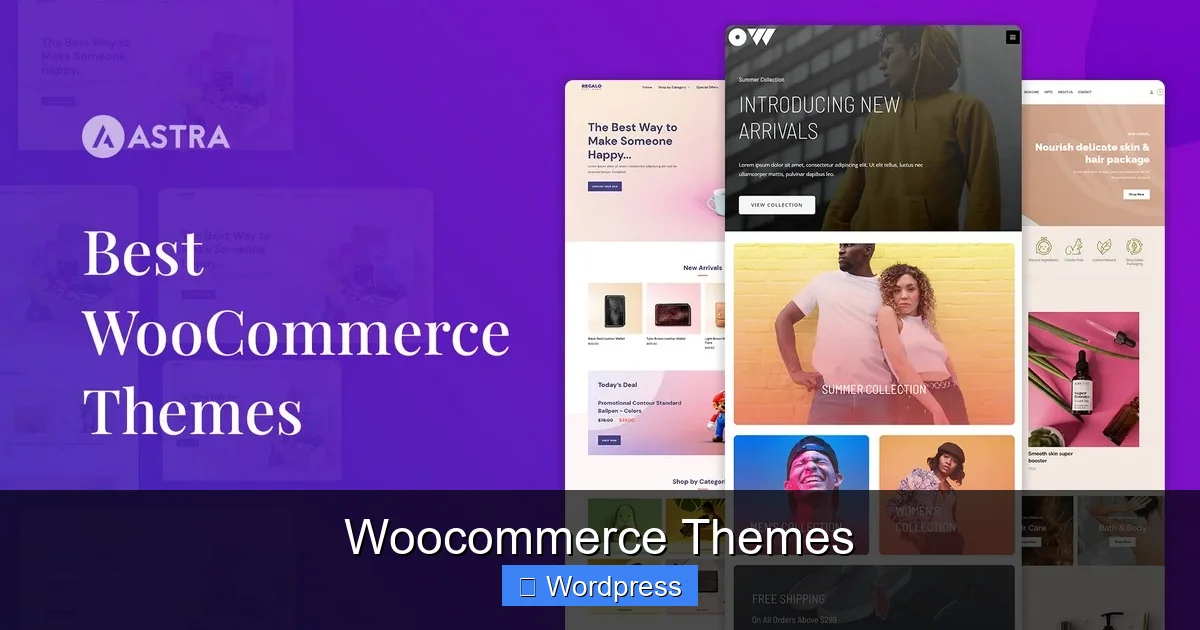
Visual guide about Woocommerce Themes
Image source: wpastra.com
Your theme is the foundation of your online store. It affects everything from how fast your site loads to how easy it is for customers to find and buy products. A poorly chosen theme can lead to high bounce rates, abandoned carts, and lost sales.
Imagine a customer lands on your product page, but the images are blurry, the buttons are hard to click, and the layout looks messy on their phone. They’ll likely leave and never return. On the other hand, a clean, fast, and intuitive design builds trust and encourages purchases.
Impact on User Experience
User experience (UX) is everything in eCommerce. A good WooCommerce theme ensures:
– Clear product descriptions and high-quality images
– Easy navigation with intuitive menus
– Fast load times, especially on mobile devices
– Simple checkout process with minimal steps
For example, themes like Astra or Flatsome include sticky add-to-cart buttons and one-page checkout options, which reduce friction and increase conversions.
SEO and Mobile Responsiveness
Search engines like Google favor websites that are mobile-friendly and fast-loading. Most modern WooCommerce themes are responsive, meaning they automatically adjust to fit any screen size. This is crucial since over 60% of online shopping happens on mobile devices.
Additionally, themes with clean code and proper heading structure help search engines understand your content. This improves your chances of ranking for keywords like “buy running shoes online” or “best wireless headphones.”
Free vs. Premium WooCommerce Themes
One of the first decisions you’ll make is whether to go with a free or premium theme. Both have pros and cons, and the right choice depends on your budget and business goals.
Free WooCommerce Themes
Free themes are a great starting point, especially if you’re on a tight budget or testing your idea. Themes like Storefront (officially developed by WooCommerce) and Zakra offer solid basics and are regularly updated.
However, free themes often come with limitations:
– Fewer customization options
– Limited support (usually community forums only)
– Basic design templates
– May include ads or upsells for premium versions
Still, they can work well for small stores or hobby projects. Just make sure to check reviews and update frequency before installing.
Premium WooCommerce Themes
Premium themes, typically priced between $40 and $100, offer more features, better design, and dedicated support. They’re ideal for businesses that want a professional look and advanced functionality.
Popular premium themes include:
– **Flatsome**: Known for its drag-and-drop builder and mobile-first design
– **Astra**: Lightweight and highly customizable with WooCommerce extensions
– **Shopkeeper**: Great for fashion and lifestyle brands with elegant layouts
These themes often include:
– One-click demo imports
– Advanced typography and color controls
– Integration with page builders like Elementor or WPBakery
– Regular updates and customer support
Investing in a premium theme can pay off quickly through improved conversions and reduced development time.
Top Features to Look for in a WooCommerce Theme
Not all themes are created equal. Here are the must-have features to look for when choosing a WooCommerce theme:
1. Mobile Responsiveness
Your theme should look and work perfectly on all devices. Test the demo on your phone—check if buttons are easy to tap, text is readable, and images load quickly. If it’s not mobile-friendly, it’s not worth your time.
2. Fast Loading Speed
Speed is a ranking factor for Google and a major factor in user experience. Themes with bloated code or too many animations can slow down your site. Look for themes that are lightweight and optimized for performance.
Tools like Google PageSpeed Insights can help you test demo sites before buying.
3. Customization Options
You don’t need to be a developer to customize your store. Themes with built-in customizers or compatibility with page builders let you change colors, fonts, layouts, and more—without touching code.
For example, Astra works seamlessly with Elementor, allowing you to design unique product pages with drag-and-drop ease.
4. SEO Optimization
A theme with clean, semantic HTML helps search engines crawl your site. Look for themes that use proper heading tags (H1, H2, etc.), support schema markup, and avoid unnecessary scripts.
5. WooCommerce Compatibility
Make sure the theme is fully compatible with the latest version of WooCommerce. Check the theme description and user reviews for any reported issues.
6. Support and Updates
Choose themes from reputable developers who offer regular updates and responsive support. This ensures your site stays secure and compatible with new WordPress and WooCommerce releases.
How to Install and Customize a WooCommerce Theme
Once you’ve chosen a theme, installing it is simple. Most themes can be uploaded directly through your WordPress dashboard.
Step-by-Step Installation
1. Go to **Appearance > Themes > Add New** in your WordPress admin.
2. Click **Upload Theme** and select the .zip file you downloaded.
3. Click **Install Now**, then **Activate**.
4. If the theme includes demo content, look for an option to import it (often under **Appearance > Import Demo Data**).
For manual installation, you can use FTP to upload the theme folder to `/wp-content/themes/`. For a detailed guide, check out this article on how to install WP themes manually.
Customizing Your Theme
After activation, go to **Appearance > Customize** to adjust colors, fonts, and layouts. Many themes also include their own settings panel for advanced options.
If your theme supports page builders, you can create custom product pages, landing pages, or promotional banners without coding.
Common Mistakes to Avoid
Even experienced store owners make mistakes when choosing themes. Here are a few to watch out for:
– **Choosing based on looks alone**: A beautiful demo doesn’t guarantee good performance or functionality.
– **Ignoring mobile design**: Always test the mobile version of the demo.
– **Overloading with plugins**: Some themes require many plugins to work, which can slow down your site.
– **Skipping updates**: Outdated themes can have security vulnerabilities.
– **Not checking support**: Make sure help is available if something goes wrong.
Conclusion
Choosing the right WooCommerce theme is one of the most important decisions you’ll make for your online store. It affects your site’s appearance, performance, and ability to convert visitors into customers. Whether you go free or premium, prioritize responsiveness, speed, customization, and support.
Take your time to research, test demos, and read reviews. A great theme won’t just make your store look good—it will help it grow. And remember, your theme is just the beginning. Pair it with reliable web hosting for WooCommerce and smart marketing, and you’ll be well on your way to eCommerce success.
Frequently Asked Questions
Are all WooCommerce themes responsive?
Most modern WooCommerce themes are responsive, but not all. Always check the demo on mobile devices to ensure it adapts properly to different screen sizes.
Can I change my WooCommerce theme later?
Yes, you can switch themes at any time. However, some customizations may need to be redone, so back up your site before making changes.
Do WooCommerce themes affect SEO?
Yes. Themes with clean code, fast loading times, and proper heading structure help improve your site’s SEO performance and search rankings.
Are Google Fonts available in all WooCommerce themes?
Most themes support Google Fonts, but not all. Check the theme’s typography settings or documentation to confirm. For more details, see this article on Google Fonts availability in WordPress themes.
Do I need a page builder with my WooCommerce theme?
Not always, but page builders like Elementor or WPBakery make customization easier. Many premium themes include or support them for advanced design control.
How often should I update my WooCommerce theme?
You should update your theme whenever a new version is released, especially if it includes security patches or compatibility fixes with WordPress and WooCommerce.