An SEO title in WordPress is the clickable headline shown in search results. It plays a crucial role in both rankings and user engagement. This guide explains how to create and optimize SEO titles effectively.
Key Takeaways
- SEO titles appear in search results: They’re the blue clickable text on Google and other search engines, influencing whether users click your page.
- Keep it under 60 characters: Google typically displays only the first 50–60 characters, so keep your title concise and keyword-focused.
- Use your primary keyword early: Place your main keyword near the beginning of the title for better SEO impact.
- Make it compelling: A clear, benefit-driven title increases click-through rates even if it doesn’t directly affect rankings.
- WordPress doesn’t auto-generate SEO titles by default: You’ll need a plugin like Yoast SEO or Rank Math to customize them.
- Each page should have a unique title: Duplicate titles confuse search engines and hurt your site’s credibility.
- Edit titles without changing page titles: SEO titles are separate from your page or post title in WordPress, giving you more control.
What Is an SEO Title in WordPress?
An SEO title in WordPress is the title tag that appears in search engine results pages (SERPs). It’s not the same as your post or page title—though they’re often similar. The SEO title is specifically designed to help search engines understand your content and encourage users to click through to your site.
For example, when you search for “best coffee makers,” you’ll see blue headlines like “Top 10 Best Coffee Makers of 2024 – Tested & Reviewed.” That’s an SEO title. It’s written to be both informative and enticing, balancing SEO best practices with user appeal.
In WordPress, you can customize this title using SEO plugins. Without one, WordPress will usually use your post title as the SEO title by default—but that might not be optimized for search engines.
Why SEO Titles Matter for Your WordPress Site
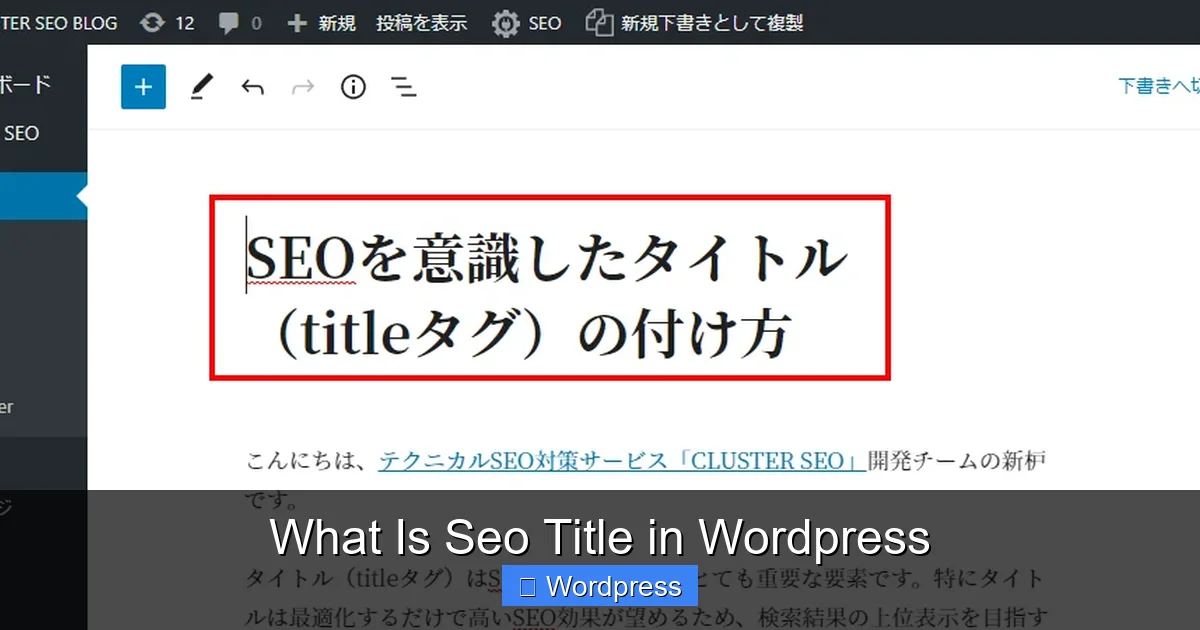
Visual guide about What Is Seo Title in WordPress
Image source: technical-seo.jp
SEO titles are one of the most important on-page SEO elements. Here’s why:
- They influence click-through rates (CTR): A compelling title grabs attention and encourages clicks. Even if your page ranks well, a weak title means fewer visitors.
- They help search engines understand your content: Search engines use the title tag to determine what your page is about. A clear, keyword-rich title improves relevance.
- They appear in browser tabs and social shares: When someone shares your link on social media or opens it in a new tab, the SEO title is what they see.
- They’re a ranking factor: While not the most powerful signal, title tags are still used by Google to assess content relevance.
In short, a well-crafted SEO title can make the difference between a high-ranking page that gets ignored and one that drives traffic.
How to Set an SEO Title in WordPress

Visual guide about What Is Seo Title in WordPress
Image source: morebusiness.com
WordPress doesn’t let you edit SEO titles directly from the post editor by default. You’ll need an SEO plugin. Here’s how to do it using two popular tools: Yoast SEO and Rank Math.
Using Yoast SEO
Yoast SEO is one of the most trusted SEO plugins for WordPress. Here’s how to set an SEO title with it:
- Install and activate the Yoast SEO plugin from the WordPress plugin directory.
- Go to any post or page in your WordPress dashboard.
- Scroll down to the Yoast SEO meta box (usually below the content editor).
- Click on the “Edit snippet” button.
- In the “SEO Title” field, type your custom title. You’ll see a preview of how it will appear in search results.
- Keep an eye on the green, orange, or red indicator—Yoast will give feedback on length and keyword usage.
- Click “Save” or “Update” to apply your changes.
Tip: Use the keyword you’re targeting early in the title. For example, if you’re writing about “best WordPress themes for SEO,” start with that phrase.
Using Rank Math
Rank Math is another powerful SEO plugin with a user-friendly interface. Here’s how to use it:
- Install and activate Rank Math from the plugin repository.
- Go to any post or page.
- Look for the Rank Math meta box below the editor.
- Click on the “Edit” button next to the title field.
- Enter your custom SEO title in the provided field.
- Rank Math will show a live preview and suggest improvements, such as adding your focus keyword.
- Save your changes.
Both plugins allow you to set SEO titles for posts, pages, categories, and even custom post types.
Best Practices for Writing SEO Titles
Creating an effective SEO title isn’t just about stuffing keywords. Follow these best practices:
Keep It Under 60 Characters
Google typically truncates titles longer than 50–60 characters. Use a title length checker or the preview in your SEO plugin to stay within limits.
Example:
✅ “Best WordPress Themes for SEO in 2024” (47 characters)
❌ “The Absolute Best WordPress Themes for SEO That Will Help You Rank Higher in Search Engines in 2024” (too long)
Place Your Keyword Early
Search engines give more weight to words at the beginning of the title. If your target keyword is “landing page in WordPress,” use it early.
Good: “Landing Page in WordPress: How to Create One in 5 Steps”
Better: “How to Create a Landing Page in WordPress (Step-by-Step)”
Make It Click-Worthy
Use power words like “best,” “easy,” “free,” “guide,” or “2024” to spark interest. Ask a question or promise a solution.
Examples:
– “Why Is WordPress Better Than Wix? A Honest Comparison”
– “Fix Broken Links in WordPress Without a Plugin – Fast!”
Avoid Duplicate Titles
Each page on your site should have a unique SEO title. Duplicate titles confuse search engines and can hurt your rankings.
If you have multiple blog posts about similar topics, vary the wording. For example:
– “Best WordPress Hosting for Bloggers in 2024”
– “Top WordPress Hosting Services for Small Businesses”
Don’t Overstuff Keywords
Use your main keyword once, maybe twice. Stuffing titles with keywords looks spammy and can trigger penalties.
Bad: “WordPress SEO WordPress Hosting WordPress Themes WordPress Plugins”
Good: “How to Improve WordPress SEO: Hosting, Themes & Plugins”
Troubleshooting Common SEO Title Issues
Even with plugins, you might run into problems. Here’s how to fix common issues:
SEO Title Not Showing in Search Results
Sometimes, Google overrides your title with one it thinks is better. This usually happens if your title is too long, vague, or doesn’t match the content.
Solution: Make sure your title accurately reflects the page content and is concise. Use structured data and high-quality content to help Google understand your page.
Title Appears Cut Off
If your title is too long, Google will truncate it with an ellipsis (…).
Solution: Use the preview tool in Yoast or Rank Math to check length. Aim for 50–60 characters.
Plugin Conflicts
Some themes or plugins may interfere with SEO title output.
Solution: Deactivate other SEO or header-related plugins. Check your theme’s header.php file to ensure it supports SEO plugins. For advanced users, consider using a child theme in WordPress to safely modify theme files.
Homepage Title Not Updating
The homepage SEO title is often controlled separately in your SEO plugin settings.
Solution: In Yoast, go to SEO > Search Appearance > General > Homepage. In Rank Math, go to Rank Math > Titles & Meta > Homepage. Set your desired title there.
Advanced Tips for SEO Title Optimization
Once you’ve mastered the basics, try these advanced strategies:
Use Brand Name Wisely
Include your brand name at the end of the title for recognition—especially on homepage and category pages.
Example: “Best Web Hosting for WordPress – WP Knor”
But avoid it on every post unless your brand is highly searched.
Leverage Numbers and Dates
Titles with numbers or current years often perform better.
Examples:
– “10 Best WordPress Plugins for SEO in 2024”
– “How to Fix a 404 Error in WordPress (Quick Guide)”
Test Different Titles
Use A/B testing tools or Google Search Console to see which titles get more clicks. Over time, refine your approach based on performance.
Optimize for Voice Search
Voice searches are often phrased as questions. Consider titles like:
“What Is a Gravatar and How Do I Use It?”
This aligns with how people speak and can help you rank for voice queries.
Conclusion
An SEO title in WordPress is more than just a label—it’s a powerful tool for attracting clicks and improving your search visibility. By using SEO plugins like Yoast or Rank Math, you can customize titles that are both search-engine friendly and engaging for users.
Remember to keep titles concise, keyword-focused, and unique. Avoid common pitfalls like duplication or keyword stuffing. And always preview how your title will appear in search results.
With consistent optimization, your SEO titles can significantly boost your WordPress site’s traffic and performance. Start tweaking your titles today and watch your click-through rates rise.