Discover exactly where to find and edit the SEO title in WordPress, whether you’re using built-in tools or popular plugins like Yoast SEO or Rank Math. This guide walks you through every method with clear, beginner-friendly steps so you can optimize your pages for search engines in minutes.
Key Takeaways
- WordPress doesn’t have a default SEO title field—you need plugins or theme support to manage SEO titles effectively.
- Yoast SEO and Rank Math are the most popular tools for adding and customizing SEO titles on posts and pages.
- The SEO title appears in search engine results, not on your actual webpage, so it’s crucial for click-through rates.
- You can edit SEO titles individually for each post, page, or custom post type from the editor screen.
- Some themes include built-in SEO options—check your theme settings if you’re not using a plugin.
- Always keep SEO titles under 60 characters to avoid truncation in Google search results.
- Use target keywords naturally in your SEO title to improve relevance and ranking potential.
Where Is the SEO Title in WordPress? A Complete Guide
If you’re running a WordPress website, you’ve probably heard that SEO titles are critical for getting found on Google. But here’s the catch: WordPress doesn’t include a built-in SEO title field by default. That means if you’re looking for a special “SEO Title” box in your post editor and can’t find it, you’re not alone—and you’re not doing anything wrong.
So where is the SEO title in WordPress? The answer depends on the tools you’re using. Whether you’re relying on a plugin like Yoast SEO or Rank Math, or your theme has its own SEO features, this guide will show you exactly where to find and edit your SEO title—step by step.
By the end of this article, you’ll know how to locate, customize, and optimize your SEO titles for better search engine visibility. Let’s dive in.
What Is an SEO Title (and Why It Matters)
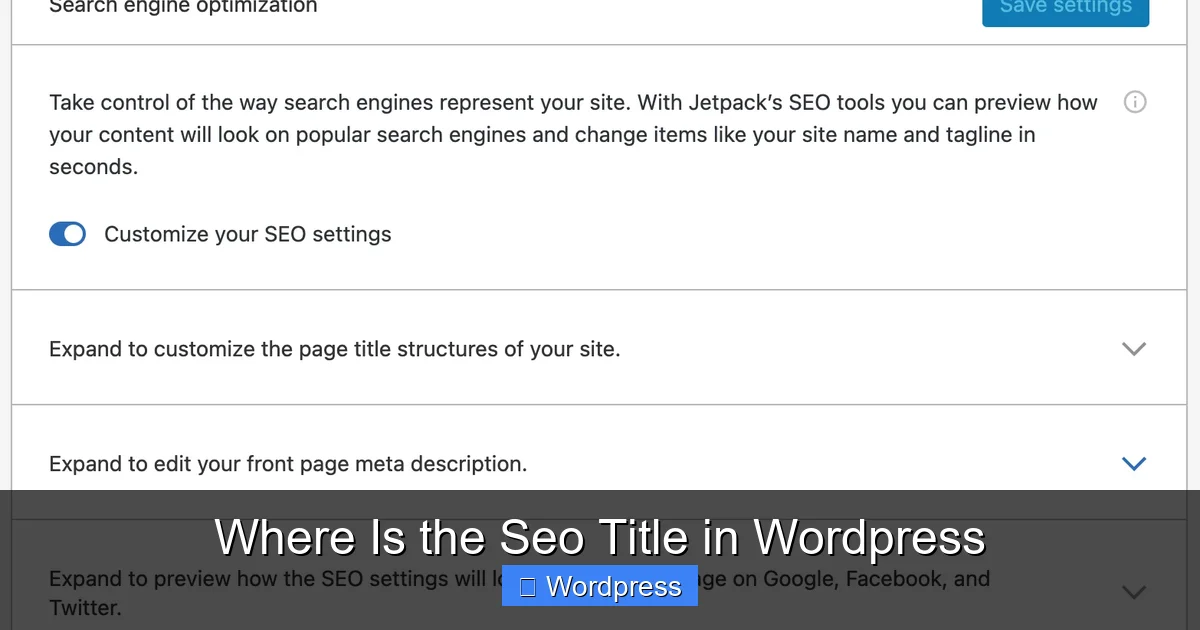
Visual guide about Where Is the Seo Title in WordPress
Image source: jetpackme.files.wordpress.com
Before we get into the “where,” let’s quickly clarify the “what.” The SEO title—also called the meta title—is the clickable headline that appears in search engine results pages (SERPs). It’s not the same as your page or post title that shows up on your website.
For example, if someone searches “best coffee makers,” Google might show your result with an SEO title like:
“Top 10 Best Coffee Makers of 2024 – Tested & Reviewed”
This title is what users see and click on. A well-crafted SEO title can dramatically improve your click-through rate (CTR), which indirectly boosts your rankings. That’s why it’s so important to get it right.
How to Find the SEO Title in WordPress (With Plugins)
Most WordPress users rely on SEO plugins to manage their SEO titles. The two most popular options are Yoast SEO and Rank Math. Both make it easy to add and customize SEO titles for every piece of content.
Using Yoast SEO
Yoast SEO is one of the most trusted SEO plugins for WordPress, used by millions of websites. Here’s how to find and edit the SEO title with Yoast:
- Install and activate Yoast SEO from the WordPress plugin directory if you haven’t already.
- Go to any post or page in your WordPress dashboard and click “Edit.”
- Scroll down below the content editor—you’ll see a section labeled “Yoast SEO.”
- Click on the “Edit snippet” button (it looks like a pencil icon).
- You’ll now see a field labeled “SEO Title.” This is where you enter your custom title.
- Type your optimized title—ideally under 60 characters—and include your target keyword near the beginning.
- Click “Close snippet editor” and update or publish your post.
Pro Tip: Yoast provides a real-time preview of how your title will appear in Google. Use this to ensure it’s not too long or cut off.
Using Rank Math
Rank Math is another powerful SEO plugin that offers advanced features and a clean interface. Here’s how to access the SEO title with Rank Math:
- Install and activate Rank Math from your WordPress plugins menu.
- Navigate to any post or page and open it for editing.
- Look for the “Rank Math SEO” box below the main content editor.
- Click on the “Titles & Meta” tab within that box.
- You’ll see a field labeled “Title.” This is your SEO title field.
- Enter your custom SEO title and use the character counter to stay under 60 characters.
- Save your changes by updating or publishing the post.
Bonus: Rank Math also lets you use dynamic variables like %title%, %category%, or %date% to auto-generate titles. This is great for consistency across large sites.
Finding the SEO Title Without Plugins (Theme-Based Options)
Not everyone uses SEO plugins. Some WordPress themes come with built-in SEO features that allow you to set custom titles. If you’re not using Yoast or Rank Math, here’s how to check if your theme supports SEO titles.
Check Your Theme’s SEO Settings
Many modern themes—especially those optimized for SEO and speed—include their own meta title options. For example, themes like Astra, GeneratePress, or Neve often have SEO settings in the Customizer or theme options panel.
To check:
- Go to Appearance > Customize in your WordPress dashboard.
- Look for sections like “SEO,” “Header,” or “Meta Tags.”
- If available, you may find a field to set a default SEO title or override titles per page.
Alternatively, some themes add an SEO meta box directly in the post editor. Look for a section labeled “SEO,” “Meta,” or “Page Settings” when editing a post.
Using the WordPress Site Editor (Block Theme Users)
If you’re using a block theme (like Twenty Twenty-Four) and the Site Editor, you might not see traditional SEO fields. In this case, you’ll almost always need an SEO plugin to manage titles. However, you can still influence how your titles appear by:
- Editing the post or page title—this often becomes the default SEO title if no plugin is used.
- Using a plugin like Yoast or Rank Math to gain full control over SEO titles.
For more on choosing a theme that supports SEO, check out our guide on the best WordPress theme for SEO and speed.
How to Optimize Your SEO Title for Better Rankings
Now that you know where to find the SEO title, let’s talk about how to make it effective.
Keep It Under 60 Characters
Google typically truncates titles longer than 60 characters. Use tools like Yoast or Rank Math’s preview to ensure your full title is visible.
Place Keywords Early
Search engines give more weight to words at the beginning of your title. If your target keyword is “best running shoes,” start with:
“Best Running Shoes for 2024 – Comfort & Durability”
Make It Click-Worthy
Your SEO title should be compelling. Use power words like “Top,” “Ultimate,” “Guide,” or “Review” to attract clicks. For example:
“Ultimate Guide to WordPress SEO in 2024”
Avoid Keyword Stuffing
Don’t cram in too many keywords. Google penalizes spammy titles. Keep it natural and readable.
Be Specific
Vague titles like “Tips for Success” won’t stand out. Instead, try:
“10 Proven Tips to Increase Website Traffic in 30 Days”
Troubleshooting: Why Can’t I See the SEO Title Field?
If you’ve installed Yoast or Rank Math but still don’t see the SEO title field, here are a few things to check:
- Plugin is not activated: Go to Plugins > Installed Plugins and make sure Yoast SEO or Rank Math is activated.
- User role restrictions: Some plugins hide SEO fields for certain user roles. Ensure you’re logged in as an Administrator or Editor.
- Classic Editor vs. Block Editor: The SEO box may appear in different locations depending on your editor. In the Block Editor (Gutenberg), it’s usually below the content.
- Theme conflicts: Rarely, a theme or another plugin may hide SEO fields. Try switching to a default theme like Twenty Twenty-One to test.
If you’re still stuck, consider reviewing your plugin settings or reaching out to the plugin’s support team.
Conclusion
Finding the SEO title in WordPress is straightforward once you know where to look. While WordPress doesn’t include a native SEO title field, plugins like Yoast SEO and Rank Math make it easy to add and customize titles for every post and page. Some themes also offer built-in SEO options, so always check your theme settings.
Remember: your SEO title is one of the most important elements for search visibility. Keep it under 60 characters, include your target keyword early, and make it compelling enough to drive clicks.
By following the steps in this guide, you’ll be able to locate, edit, and optimize your SEO titles like a pro—boosting your chances of ranking higher and attracting more visitors.
For more tips on improving your WordPress site’s performance, explore our guide on the best way to add CSS in WordPress or learn why WordPress is better than Wix for SEO and flexibility.