This guide shows you where to add keywords in WordPress to improve your site’s search engine visibility. You’ll learn best practices for placing keywords in titles, content, URLs, image alt text, and meta descriptions—without overstuffing.
Key Takeaways
- Use keywords in page and post titles: Include your target keyword naturally in the title tag for maximum SEO impact.
- Optimize your content body: Sprinkle keywords throughout your content, especially in the first 100 words and subheadings.
- Leverage meta descriptions: Write compelling meta descriptions that include your keyword to improve click-through rates.
- Optimize image alt text: Add descriptive alt text with keywords to help search engines understand your visuals.
- Use SEO plugins like Yoast or Rank Math: These tools guide keyword placement and analyze content for SEO effectiveness.
- Avoid keyword stuffing: Focus on natural language and user experience—Google rewards quality content.
- Customize permalinks: Include your keyword in the URL structure for better indexing and readability.
Introduction: Why Keywords Matter in WordPress
If you want your WordPress website to rank higher in Google, keywords are your best friend. But simply adding keywords randomly won’t help—you need to know where to add keywords in WordPress for maximum SEO benefit.
This guide walks you through every important spot in your WordPress site where keywords should go. Whether you’re writing a blog post, creating a product page, or updating your homepage, proper keyword placement helps search engines understand your content and show it to the right audience.
By the end of this guide, you’ll know exactly how to optimize your content without sounding robotic or spammy. Let’s dive in!
1. Add Keywords to Your Page and Post Titles
Your title is the first thing both readers and search engines see. It’s also one of the most important places to include your target keyword.
How to Do It
When creating a new post or page in WordPress, type your title in the title field at the top of the editor. Make sure your main keyword appears early—ideally within the first 50–60 characters.
For example, if your keyword is “best coffee makers,” a strong title would be:
Best Coffee Makers of 2024: Top Picks for Every Budget
Pro Tip
Keep titles under 60 characters to avoid being cut off in search results. Use power words like “best,” “guide,” or “review” to boost engagement.
2. Optimize Your Content Body
Your main content is where you expand on your topic. This is where you naturally weave in your keywords.
Where to Place Keywords in Content
- First 100 words: Include your keyword early to signal relevance to search engines.
- Subheadings (H2, H3): Use keyword variations in section headers. For example, “How to Choose the Best Coffee Maker” or “Top Features to Look For.”
- Throughout the body: Sprinkle keywords naturally—don’t force them. Aim for a keyword density of around 1–1.5%.
Example
If your keyword is “vegan protein powder,” your first paragraph might say:
If you’re looking for the best vegan protein powder, you’re not alone. More people are switching to plant-based options for health and environmental reasons.
Avoid Keyword Stuffing
Don’t repeat your keyword over and over. Google penalizes sites that stuff keywords unnaturally. Focus on writing helpful, readable content.
3. Use Meta Descriptions with Keywords
Meta descriptions don’t directly affect rankings, but they influence click-through rates. A well-written meta description with your keyword can boost traffic.
How to Add Meta Descriptions
Most WordPress sites use SEO plugins like Yoast SEO or Rank Math. These plugins add a meta description field below your content editor.
Type a compelling 150–160 character summary that includes your keyword. For example:
Discover the best vegan protein powder for muscle gain and weight loss. Top-rated brands, expert reviews, and buying tips included.
Pro Tip
Use action words like “discover,” “learn,” or “find” to encourage clicks. Always include your keyword—but make it sound natural.
4. Optimize Image Alt Text
Images help break up text and improve user experience. But search engines can’t “see” images—they rely on alt text.
How to Add Alt Text
When uploading an image in WordPress, fill in the “Alt Text” field in the media library. Use a descriptive phrase that includes your keyword when relevant.
For example, if your post is about “best hiking boots,” an image alt text could be:
Best hiking boots for mountain trails – waterproof and durable
Why It Matters
Alt text helps your images appear in Google Image Search. It also improves accessibility for visually impaired users.
5. Customize Your Permalinks (URLs)
Your URL structure is another place where keywords matter. A clean, keyword-rich permalink helps both users and search engines.
How to Edit Permalinks
In the WordPress editor, click the “Edit” button next to the URL under your title. Change it to include your keyword.
For example:
Instead of:
yoursite.com/?p=123
Use:
yoursite.com/best-coffee-makers-2024
Best Practices
Keep URLs short, lowercase, and hyphen-separated. Avoid numbers or random characters.
6. Use SEO Plugins to Guide Keyword Placement
Plugins like Yoast SEO and Rank Math make it easy to optimize your content. They analyze your keyword usage and give real-time feedback.
How to Use Yoast SEO
After installing Yoast, you’ll see a red, orange, or green SEO score below your editor. Aim for green!
The plugin checks:
- Keyword in title
- Keyword in first paragraph
- Keyword in subheadings
- Meta description length and keyword use
Pro Tip
Don’t obsess over a perfect score. Focus on writing great content first—then tweak for SEO.
7. Add Keywords to Categories and Tags
Categories and tags help organize your content. They also create internal linking opportunities and can boost SEO.
How to Optimize Categories
Go to Posts > Categories in your WordPress dashboard. When creating a new category, use a keyword-rich name like “Home Fitness Equipment” instead of “Stuff.”
Use Tags Wisely
Tags should be specific. For a post about “best running shoes,” use tags like “running shoes for flat feet” or “lightweight running shoes.”
Internal Linking Bonus
Link to related posts within your content. This keeps visitors on your site longer and helps search engines crawl your pages. For more on organizing content, check out our guide on WordPress Categories.
8. Optimize Your Site’s Theme and Templates
Some themes are better for SEO than others. A fast, mobile-friendly theme with clean code helps your keywords perform better.
Choose an SEO-Friendly Theme
Look for themes labeled “SEO-optimized” or “fast-loading.” For example, our article on the Best WordPress Theme for SEO and Speed reviews top options.
Use a Child Theme for Customizations
If you modify your theme’s code, use a child theme to avoid losing changes during updates. Learn more in our guide: What Is a Child Theme in WordPress?
Update Themes Regularly
Outdated themes can have security flaws and slow performance. Always keep your theme updated. For help, see How to Update Theme on WordPress.
Troubleshooting Common Keyword Issues
Problem: My keyword isn’t ranking
Solution: Check if your content is comprehensive. Longer, detailed posts often rank better. Also, ensure your site loads quickly and is mobile-friendly.
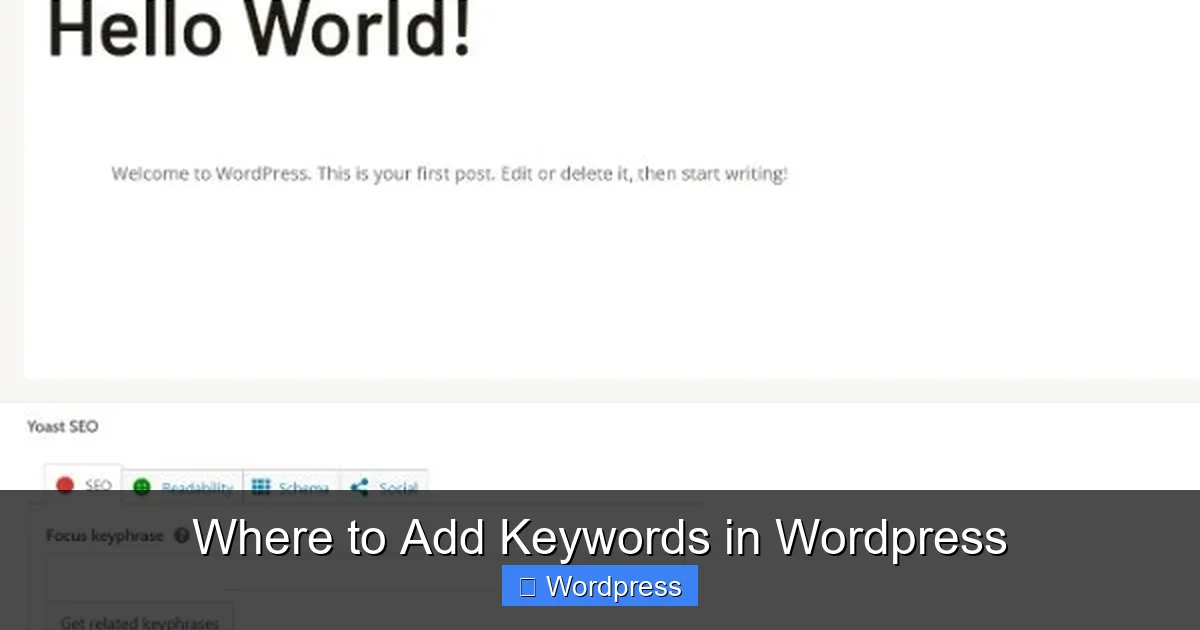
Visual guide about Where to Add Keywords in WordPress
Image source: talkerscode.com
Problem: Yoast says “keyword not in content”
Solution: Add your keyword to the first paragraph or a subheading. But don’t force it—write naturally.
Problem: URLs are messy
Solution: Go to Settings > Permalinks and choose “Post name.” This creates clean, readable URLs.
Conclusion: Master Keyword Placement in WordPress
Knowing where to add keywords in WordPress is essential for SEO success. Focus on titles, content, meta descriptions, image alt text, and URLs. Use SEO plugins to guide your efforts, and always prioritize user experience.
Remember, keywords are tools—not magic spells. Combine them with high-quality content, fast loading times, and great design for the best results.
Start optimizing today, and watch your rankings climb!