
A free WordPress coming soon page template helps you build anticipation for your website launch. These templates are easy to set up, mobile-friendly, and require no coding skills. Whether you’re a blogger, business owner, or developer, a coming soon page keeps visitors engaged while your site is under construction.
Key Takeaways
- Free templates save time and money: You don’t need to hire a designer or buy premium themes to create a professional-looking coming soon page.
- No plugin required: Many free templates work without installing extra plugins, keeping your site lightweight and fast.
- Customizable and responsive: Most templates are mobile-friendly and allow you to add your logo, colors, and social links easily.
- Builds email lists: Add a signup form to collect emails and notify visitors when your site goes live.
- SEO-friendly: A well-designed coming soon page won’t hurt your search rankings and can even improve user experience.
- Easy to install: With simple upload steps or built-in WordPress features, you can go live in minutes.
- Great for branding: Use the page to showcase your brand’s personality and build excitement before launch.
Quick Answers to Common Questions
Can I use a coming soon page without a plugin?
Yes! You can create a coming soon page using a static homepage in WordPress. Just design a page and set it as your front page under Settings > Reading. Only logged-in users will see the full site.
Will a coming soon page hurt my SEO?
Not if done correctly. Avoid blocking search engines with “noindex” tags. A well-designed coming soon page can appear in search results and attract early traffic.
How long should I keep my coming soon page live?
It depends on your launch timeline. Most sites use it for 1–4 weeks. Update the page regularly with progress updates to keep visitors engaged.
Can I add a contact form to my coming soon page?
Yes! Use a free form plugin like WPForms or the built-in WordPress form block to let visitors send messages or sign up for updates.
Do I need to buy hosting for a coming soon page?
Yes, you need WordPress hosting to run any WordPress site, including a coming soon page. Many hosts offer affordable plans for new websites.
📑 Table of Contents
What Is a WordPress Coming Soon Page?
A coming soon page is a temporary webpage that appears when your website is still under development or being redesigned. Instead of showing a broken or incomplete site, a coming soon page tells visitors that something exciting is on the way. It’s like putting up a “Grand Opening Soon” sign on a new store.
These pages are especially useful for startups, bloggers launching a new brand, or businesses rebranding their online presence. A well-designed coming soon page can turn curious visitors into future customers by building anticipation and collecting contact information.
Why Use a Free WordPress Coming Soon Page Template?
You might wonder, “Why not just use a plugin or build one from scratch?” While plugins and custom coding are options, a free WordPress coming soon page template offers a balanced mix of simplicity, design, and functionality. It’s perfect for users who want a professional look without spending money or hiring a developer.
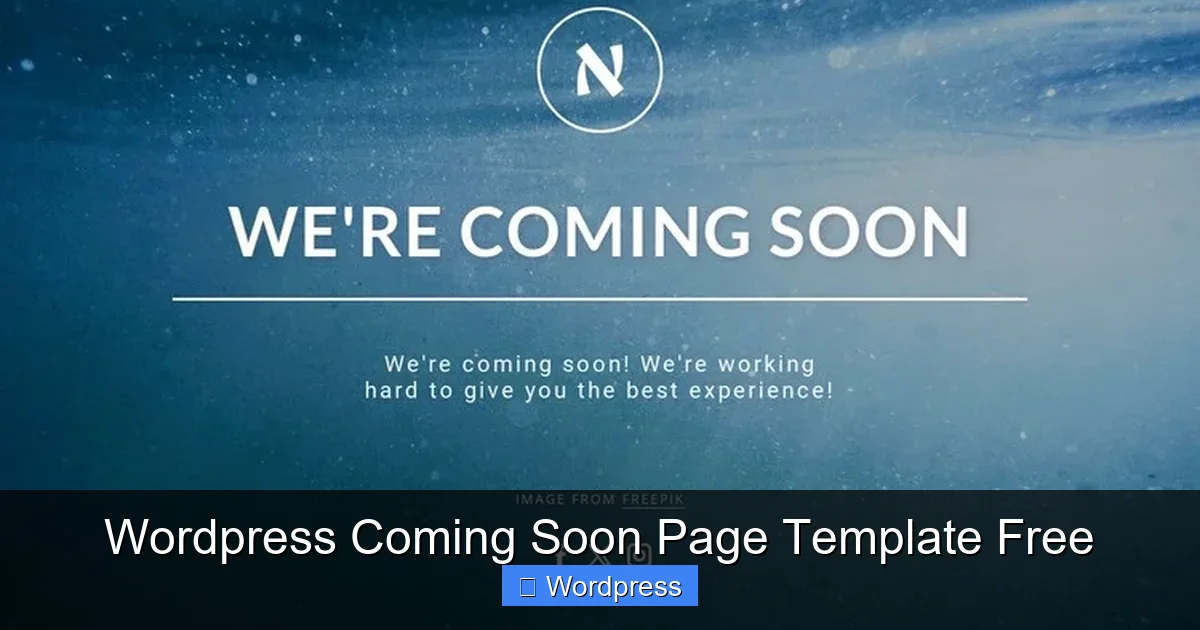
Visual guide about WordPress Coming Soon Page Template Free
Image source: images01.nicepage.com
Free templates are also ideal for testing ideas. If you’re unsure about your final website design, a coming soon page lets you launch quickly and gather feedback. Plus, many templates are lightweight, which means they won’t slow down your site or affect performance.
Benefits of Using a Free Template
- Cost-effective: No need to pay for premium themes or plugins.
- Fast setup: Most templates can be installed in under 10 minutes.
- Beginner-friendly: No coding knowledge required—just upload and customize.
- Flexible design: Change colors, fonts, and layouts to match your brand.
- Mobile-ready: Templates are responsive, so they look great on phones and tablets.
How to Set Up a Coming Soon Page in WordPress
Setting up a coming soon page doesn’t have to be complicated. In fact, you can do it in just a few steps using free templates or built-in WordPress features. Here’s how to get started.
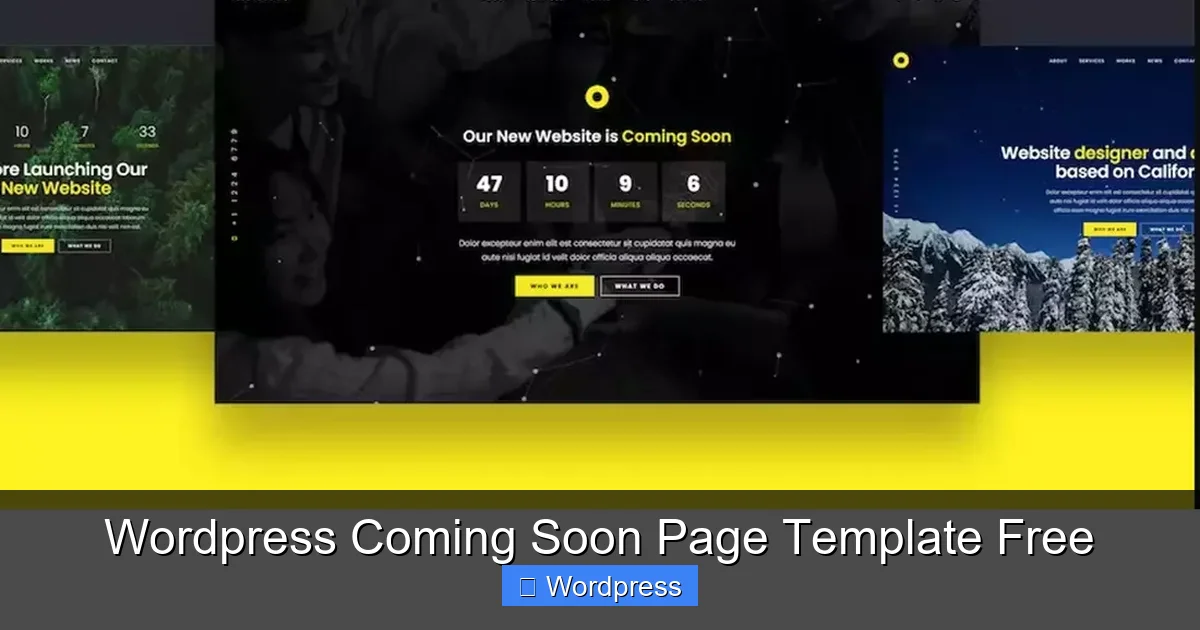
Visual guide about WordPress Coming Soon Page Template Free
Image source: masterbundles.com
Option 1: Use a Free Coming Soon Theme
Some free WordPress themes are designed specifically for coming soon pages. These themes often include a full-screen background, countdown timer, and email signup form. To use one:
- Go to Appearance > Themes > Add New in your WordPress dashboard.
- Search for “coming soon” or “under construction.”
- Install and activate a free theme like “Coming Soon” or “Maintenance Mode.”
- Customize the page using the WordPress Customizer—add your logo, message, and social links.
Option 2: Create a Coming Soon Page Without a Plugin
You don’t always need a plugin to show a coming soon page. WordPress allows you to set a static front page that only logged-in users can bypass. Here’s how:
- Create a new page called “Coming Soon” and design it using the block editor.
- Add a heading, short message, email form, and maybe a countdown timer using HTML or a free block plugin.
- Go to Settings > Reading and set “Your homepage displays” to “A static page.”
- Select your “Coming Soon” page as the homepage.
- Only logged-in admins will see the full site—visitors will see the coming soon page.
This method is clean, fast, and doesn’t rely on third-party tools. For a detailed guide, check out how to create a coming soon page in WordPress without a plugin.
Top Features to Look for in a Free Template
Not all free coming soon templates are created equal. To get the best results, look for templates with these key features:
1. Email Signup Integration
A great coming soon page should include a way for visitors to sign up for updates. Look for templates that support Mailchimp, ConvertKit, or other email marketing services. This helps you build an audience before your site even launches.
2. Countdown Timer
A countdown timer creates urgency and excitement. It tells visitors exactly when your site will go live. Many free templates include this feature, or you can add it using a simple HTML snippet.
3. Social Media Links
Include icons linking to your social profiles. This builds trust and gives visitors a way to follow your journey. Make sure the icons are large and easy to tap on mobile devices.
4. Custom Branding Options
Choose a template that lets you upload your logo, change background colors, and adjust fonts. This ensures your coming soon page reflects your brand identity.
5. SEO Optimization
Even though it’s a temporary page, your coming soon page should still be search engine friendly. Avoid blocking search engines with “noindex” tags unless necessary. A well-optimized page can appear in search results and attract early traffic.
For more on optimizing your site’s visibility, explore the best WordPress themes for SEO and speed.
Best Free WordPress Coming Soon Page Templates
Here are a few free templates and themes you can try today:
1. Coming Soon by SeedProd (Free Version)
SeedProd offers a free version of its popular coming soon plugin. It includes drag-and-drop editing, email integrations, and mobile responsiveness. Perfect for beginners who want a polished look without complexity.
2. Under Construction Page
This free theme is simple but effective. It features a full-screen background, centered text, and space for a logo. It’s lightweight and loads quickly, which is great for performance.
3. WP Maintenance Mode
While technically a plugin, WP Maintenance Mode has a free version with customizable templates. It includes a countdown timer, social icons, and Google Analytics support. Ideal if you want more control over design.
4. Elementor Canvas Template
If you use Elementor, you can create a coming soon page using a free canvas template. Just install Elementor, choose a blank canvas, and design your page with drag-and-drop blocks. For step-by-step help, see how to create a WordPress theme with Elementor.
Tips for Making Your Coming Soon Page Stand Out
A great coming soon page does more than just say “we’re launching soon.” It engages visitors and turns them into fans. Here are some tips to make yours memorable:
Keep It Simple
Avoid clutter. Use clean fonts, plenty of white space, and one clear call-to-action—like “Sign Up for Updates.” Too much text or too many buttons can confuse visitors.
Use High-Quality Images
A stunning background image or illustration can grab attention. Use free stock photos from sites like Unsplash or Pexels. Make sure the image is optimized for fast loading.
Add a Personal Touch
Write a short message from the founder or team. A personal note like “We’re building something amazing—stay tuned!” feels more authentic than generic copy.
Test on Mobile
Over half of web traffic comes from mobile devices. Always preview your coming soon page on a phone to ensure it looks good and buttons are easy to tap.
Monitor Performance
Use tools like Google Analytics to track how many people visit your coming soon page and how many sign up. This data helps you improve your messaging and design over time.
For more on tracking your site’s success, learn if Google Analytics is free and how to set it up.
Conclusion
A free WordPress coming soon page template is a smart, affordable way to launch your website with style. Whether you’re building a blog, online store, or business site, a coming soon page sets the right tone and keeps visitors engaged. With easy setup, customizable designs, and powerful features like email signups and countdown timers, there’s no reason to launch without one.
You don’t need to be a developer or spend money to create a professional-looking page. Free templates and built-in WordPress tools make it possible for anyone to get started quickly. So go ahead—download a template, add your branding, and start building excitement for your big launch.
Frequently Asked Questions
Are free WordPress coming soon templates safe to use?
Yes, as long as you download them from trusted sources like the official WordPress theme directory or reputable developers. Always scan for malware and check user reviews.
Can I customize a free coming soon template?
Absolutely. Most free templates allow you to change colors, fonts, logos, and text using the WordPress Customizer or block editor.
Will my coming soon page work on mobile devices?
Most modern free templates are responsive, meaning they automatically adjust to fit phones and tablets. Always preview your page on different devices.
How do I remove the coming soon page when my site is ready?
Simply change your homepage back to the default blog or a new page under Settings > Reading. Or switch to your main theme if you used a coming soon theme.
Can I use a coming soon page for a redesign?
Yes! A coming soon page is perfect for announcing a website redesign. It tells visitors the site is being improved and will return soon.
Do I need coding skills to use a free template?
No. Most free templates are designed for beginners and use visual editors or simple settings. No HTML or CSS knowledge is required.