How Do I Choose a WordPress Theme
Choosing the right WordPress theme can be overwhelming. Learn how to pick a fast, responsive, and SEO-friendly theme that fits your site’s needs.
Choosing the right WordPress theme can be overwhelming. Learn how to pick a fast, responsive, and SEO-friendly theme that fits your site’s needs.
Learn how to restore the default WordPress dashboard quickly and safely. Step-by-step guide to fix customizations, themes, or plugins causing dashboard issues.
Learn where to find the theme folder in WordPress with step-by-step guidance. Access your theme files via FTP, cPanel, or the WordPress dashboard easily.
Learn how to add a size chart in WordPress with step-by-step methods using plugins, shortcodes, or custom code. Boost conversions and reduce returns.
Learn how to install WordPress step by step—from choosing hosting to final setup. Easy guide for beginners with tips and troubleshooting.
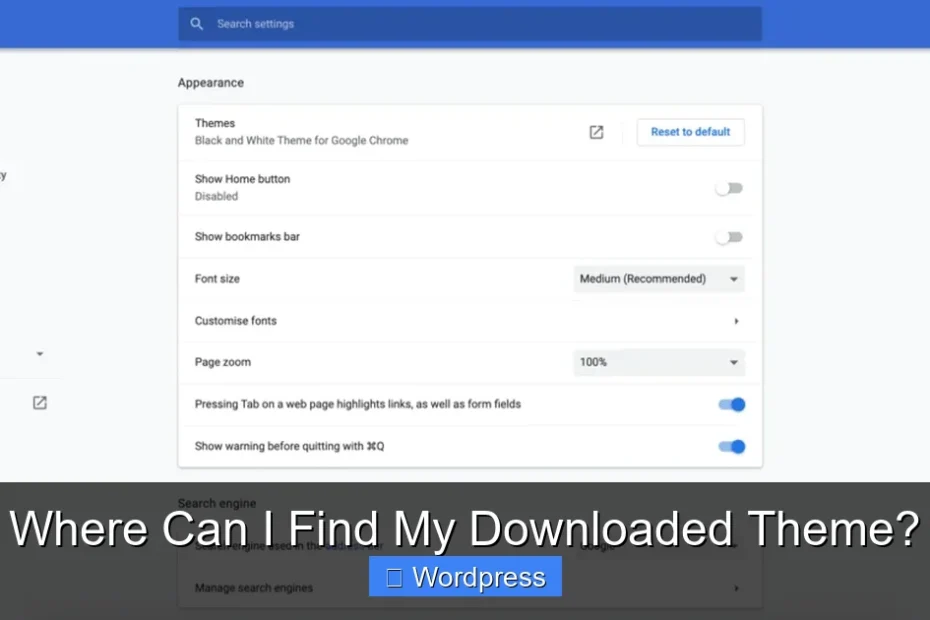
Wondering where to find your downloaded WordPress theme? Learn how to locate it on your computer, upload it to WordPress, and troubleshoot common issues.
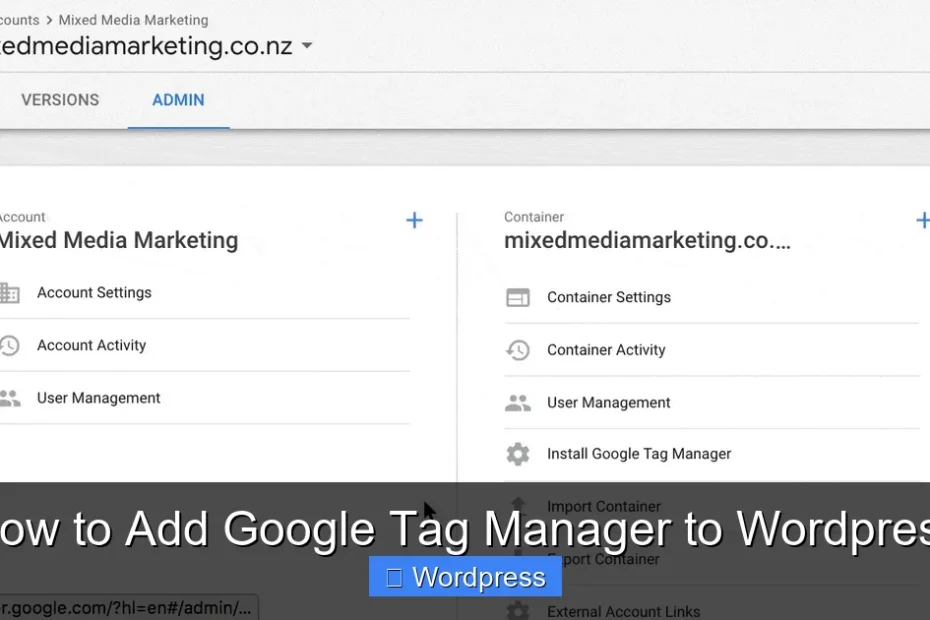
Learn how to add Google Tag Manager to WordPress in 5 simple steps. Track analytics, conversions, and more without touching code.
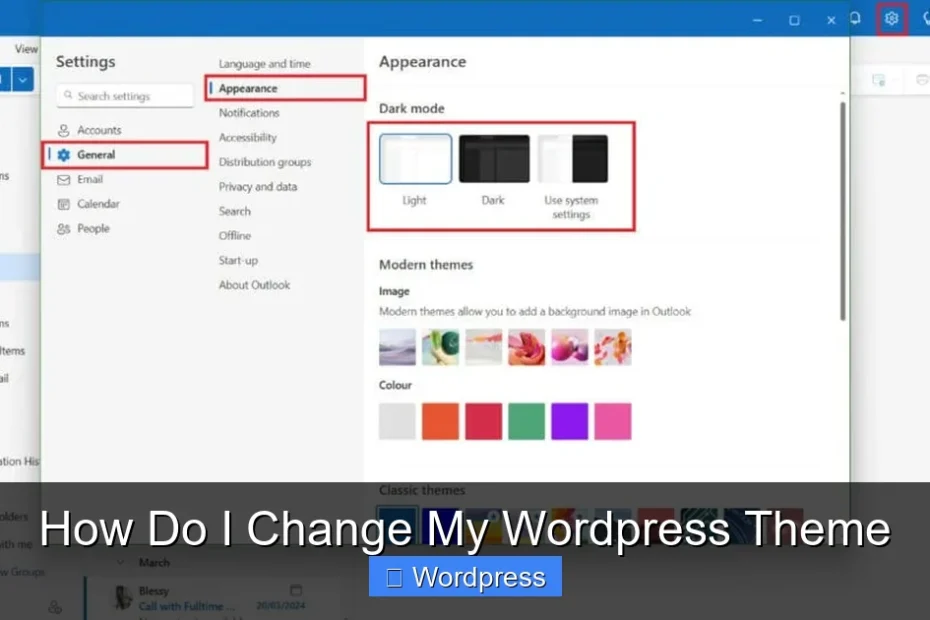
Learn how to change your WordPress theme safely with this step-by-step guide. Includes tips, troubleshooting, and best practices for a smooth transition.
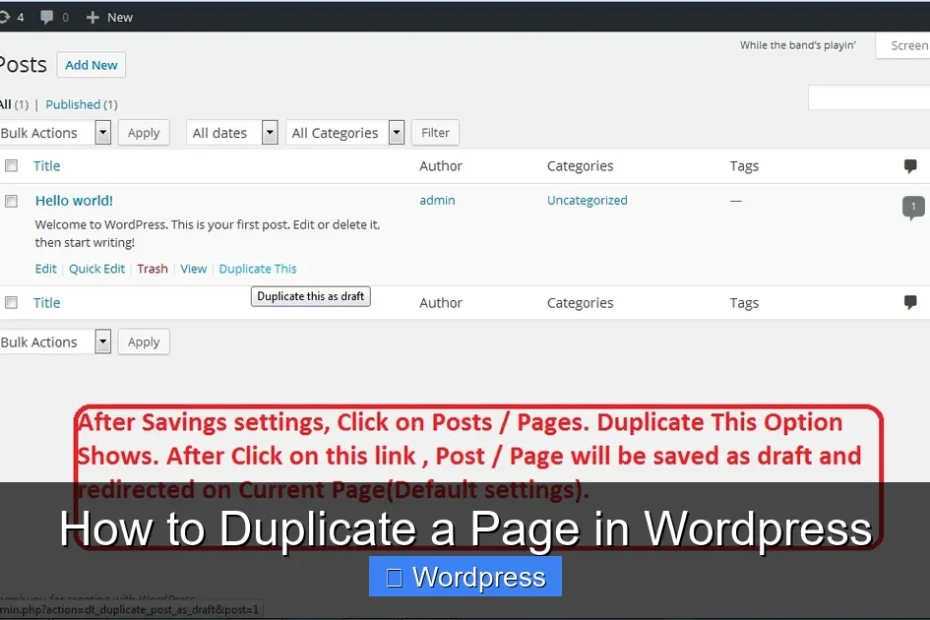
Learn how to duplicate a page in WordPress using built-in features or plugins. Step-by-step guide with tips, troubleshooting, and FAQs.
Learn the complete steps in applying a theme in WordPress. From installation to customization, this guide covers everything you need for a professional website.